TikTok slideshows · made, scheduled and posted for you
Paste one link. TokClaw AI writes the hooks, builds the slideshow and posts it to your page on the schedule you set. Every day. No camera, no face, no editing.


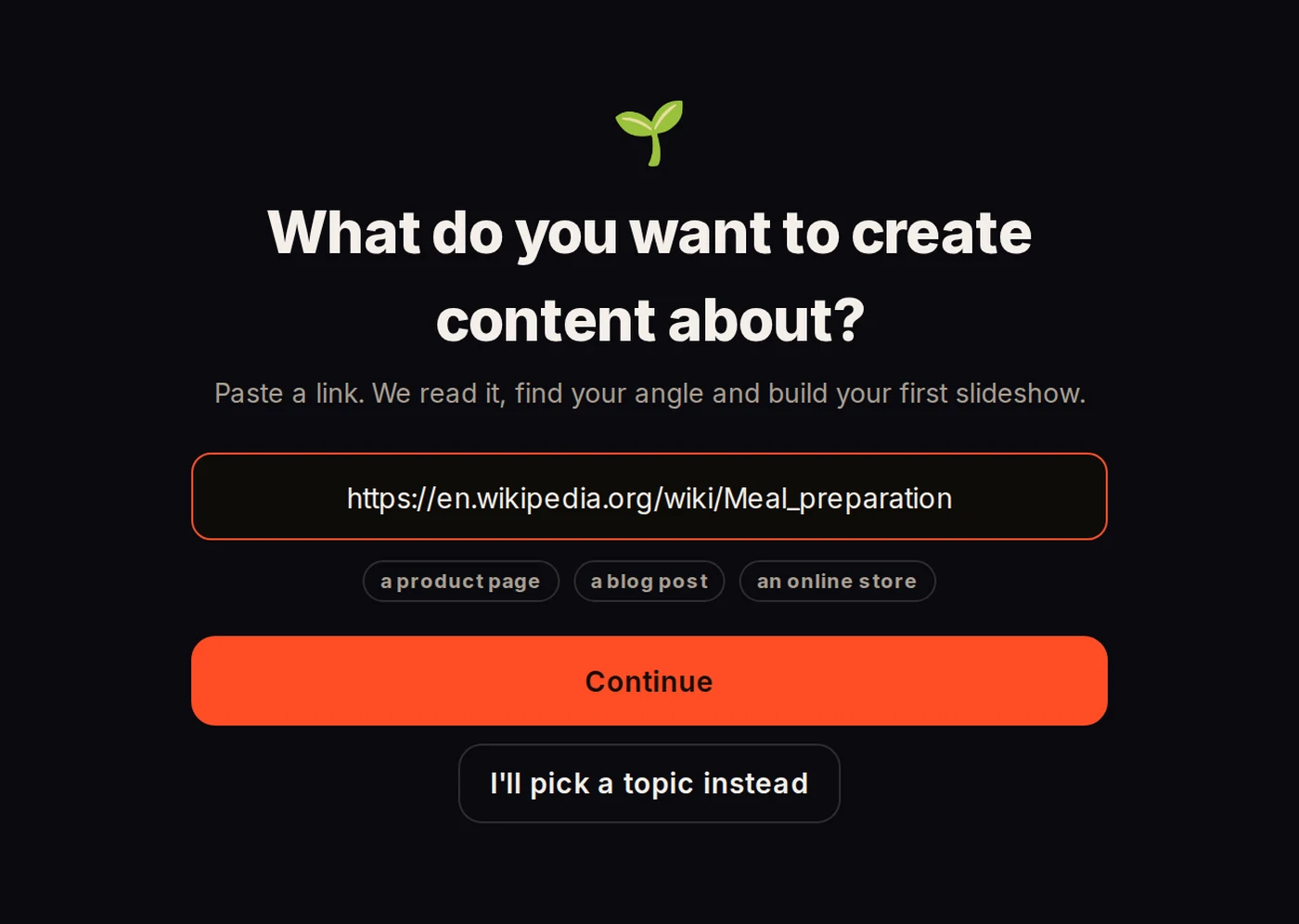
Your product, your shop, your blog, your offer. TokClaw AI reads it, finds the angle and writes the hooks — the first lines that stop the scroll.

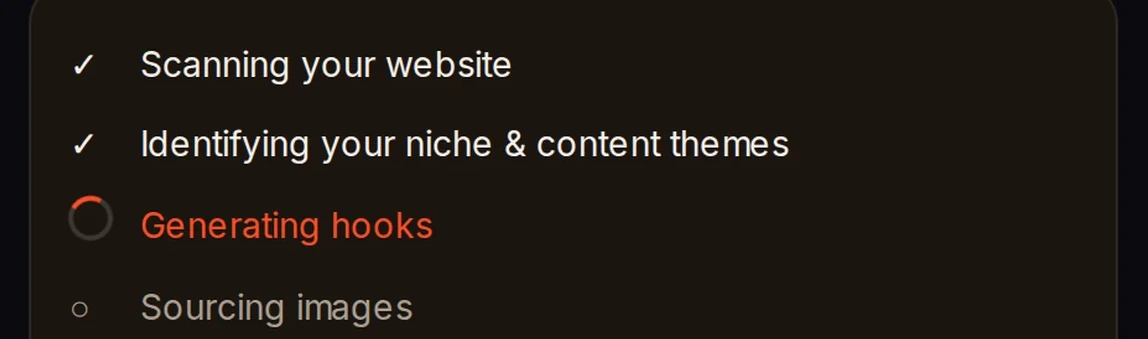
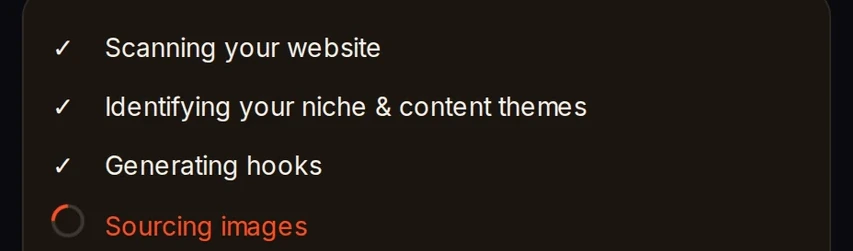
A checklist ticks through: scan, niche, hooks, images, then your first finished slideshow — before you have touched anything.

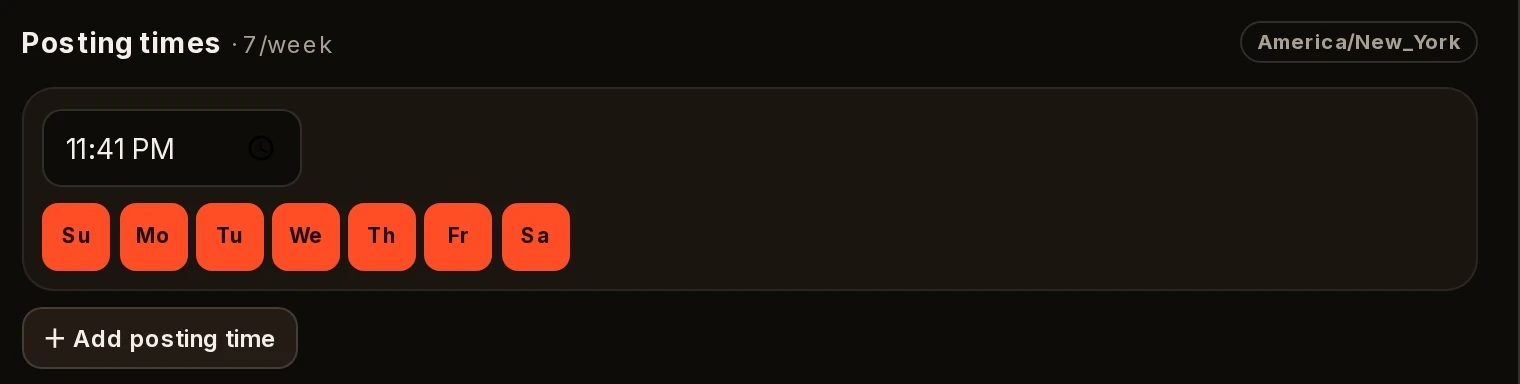
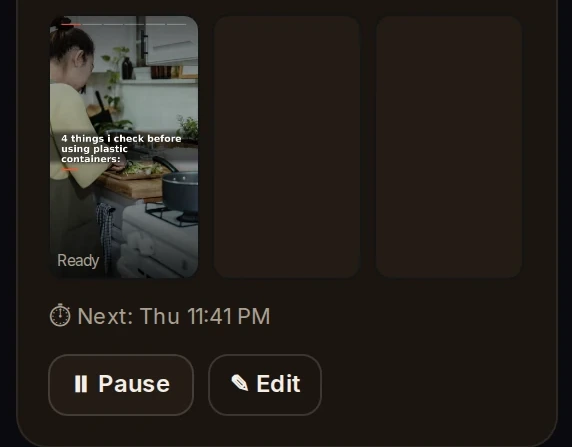
Pick your days and times once. At every posting time it makes a fresh slideshow and posts it to your page.
One link to a posted slideshow. Nothing cut out except the waiting.
TikTok’s own message to creators: slideshows get “1.9x more likes and 2.9x more comments than videos on average.” Reported by Lindsey Gamble.
Fanpage Karma, almost 700,000 TikTok posts, January–May.
A slideshow is five to eight photos with a line of text on each.
No filming, no editing, nobody on camera.
It is the post TikTok’s own numbers favor — and the post nobody has time to make every day.
TokClaw AI makes it every day.

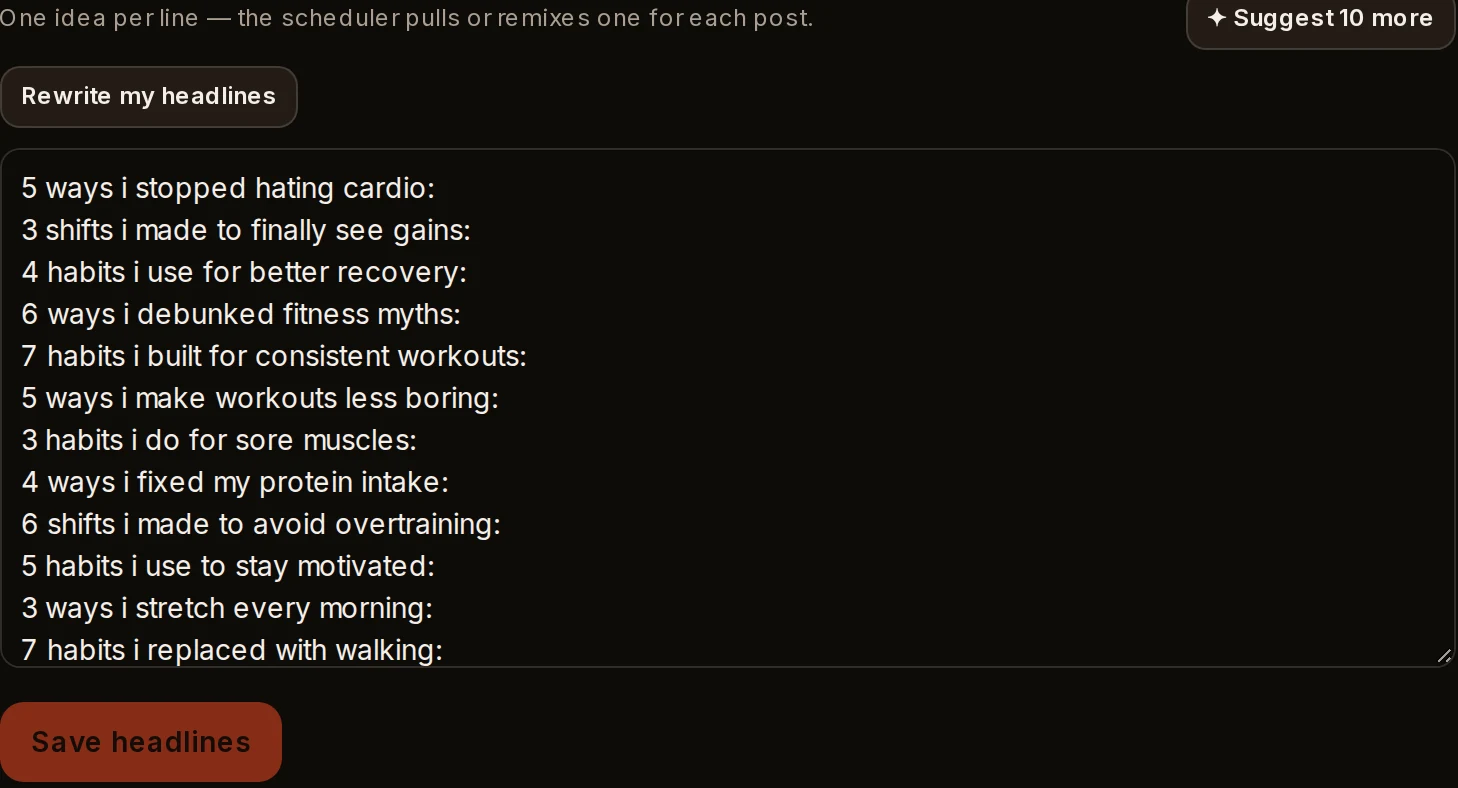
A list of first-slide lines from your link. Edit any, delete any, or ask for ten more.

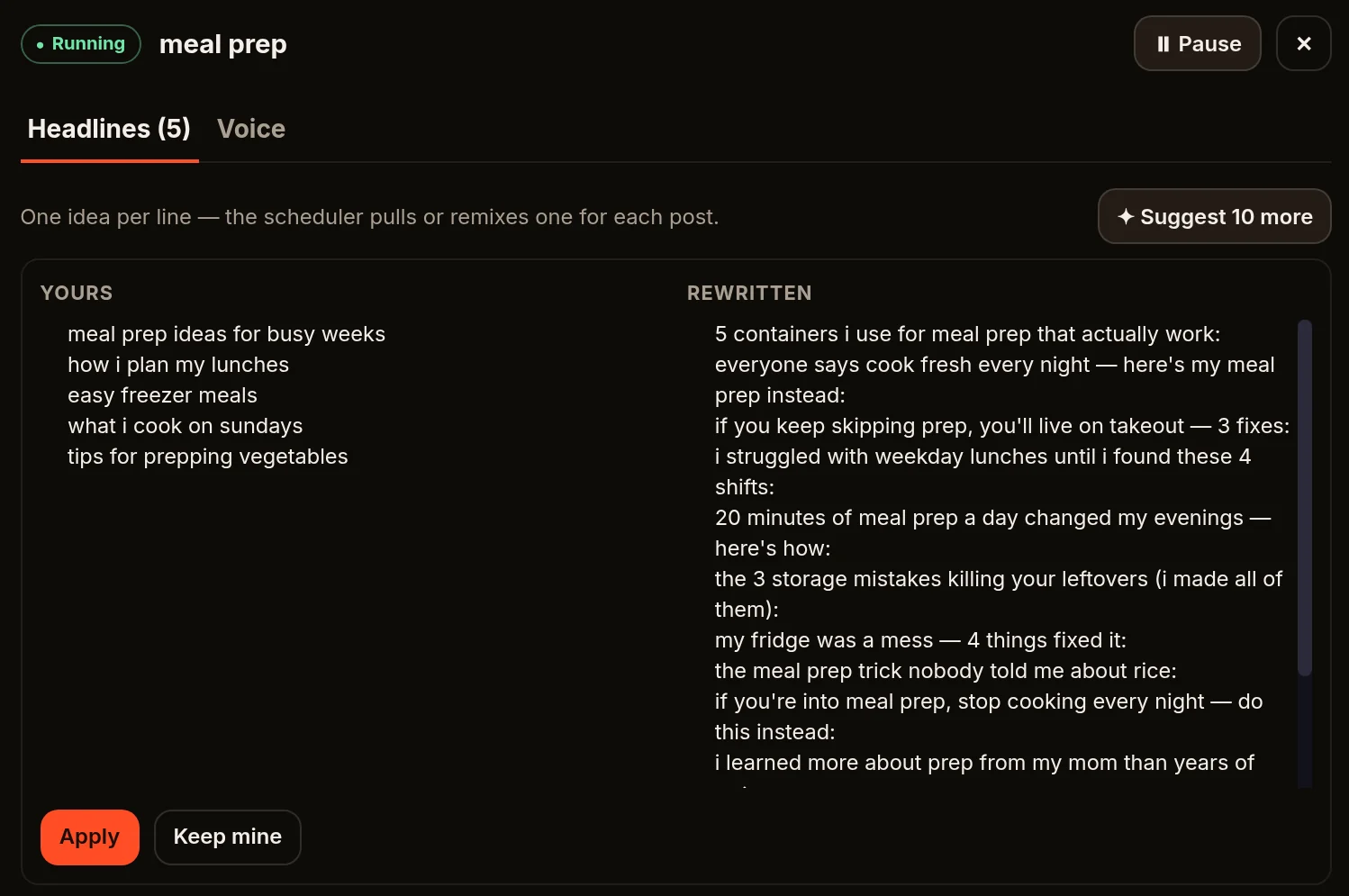
Rewrite your whole list into the shapes strong hooks take — number-led, contrarian, cost-of-inaction and more — in your niche and your tone. Keep the ones you like.

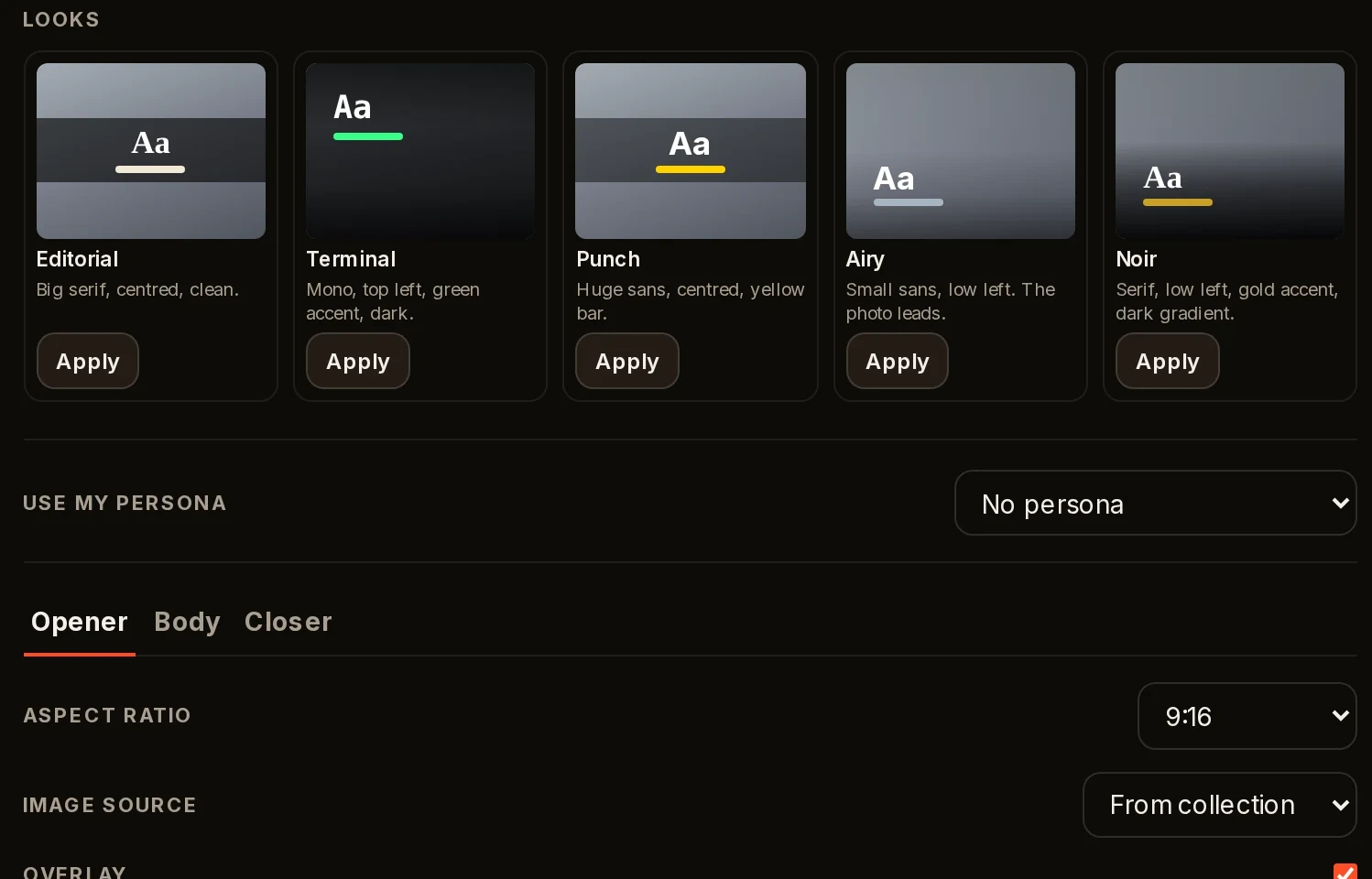
Change a line, swap a picture, reorder the slides, save. It redraws them. Editing uses no AI credits.

Use your own photo sets, or let it find images for you.

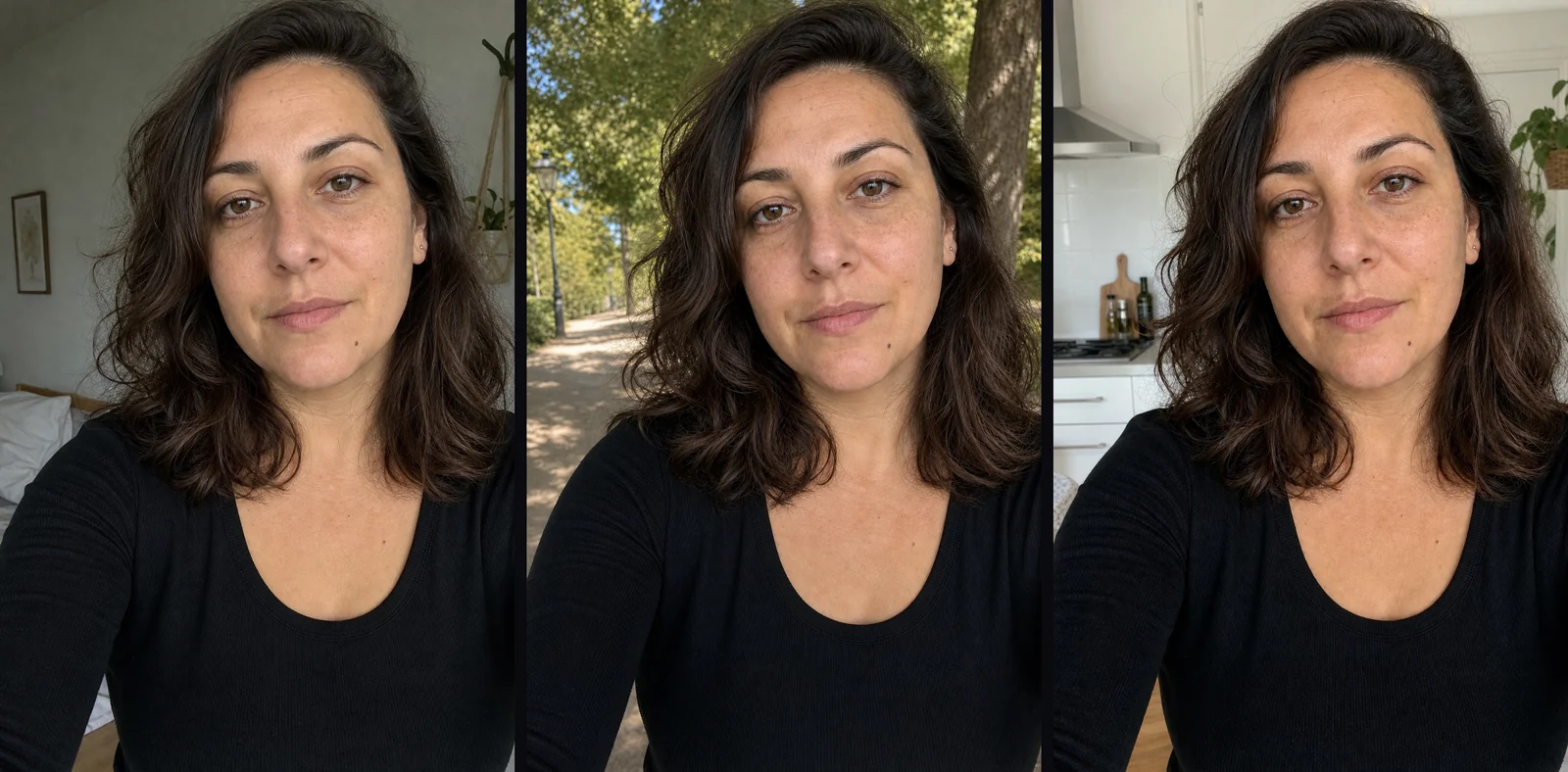
Pick a ready-made AI face or design your own, put it in real-looking selfies, have it hold your product, and show it on the closing slide of every post.

One product photo in, your persona holding your product out.

Days and times, as many posting times as you want. Each page on its own clock.

Through the posting account you connect. Connect as many accounts as you like.

Every slideshow it makes, ready to open, edit, download or post.
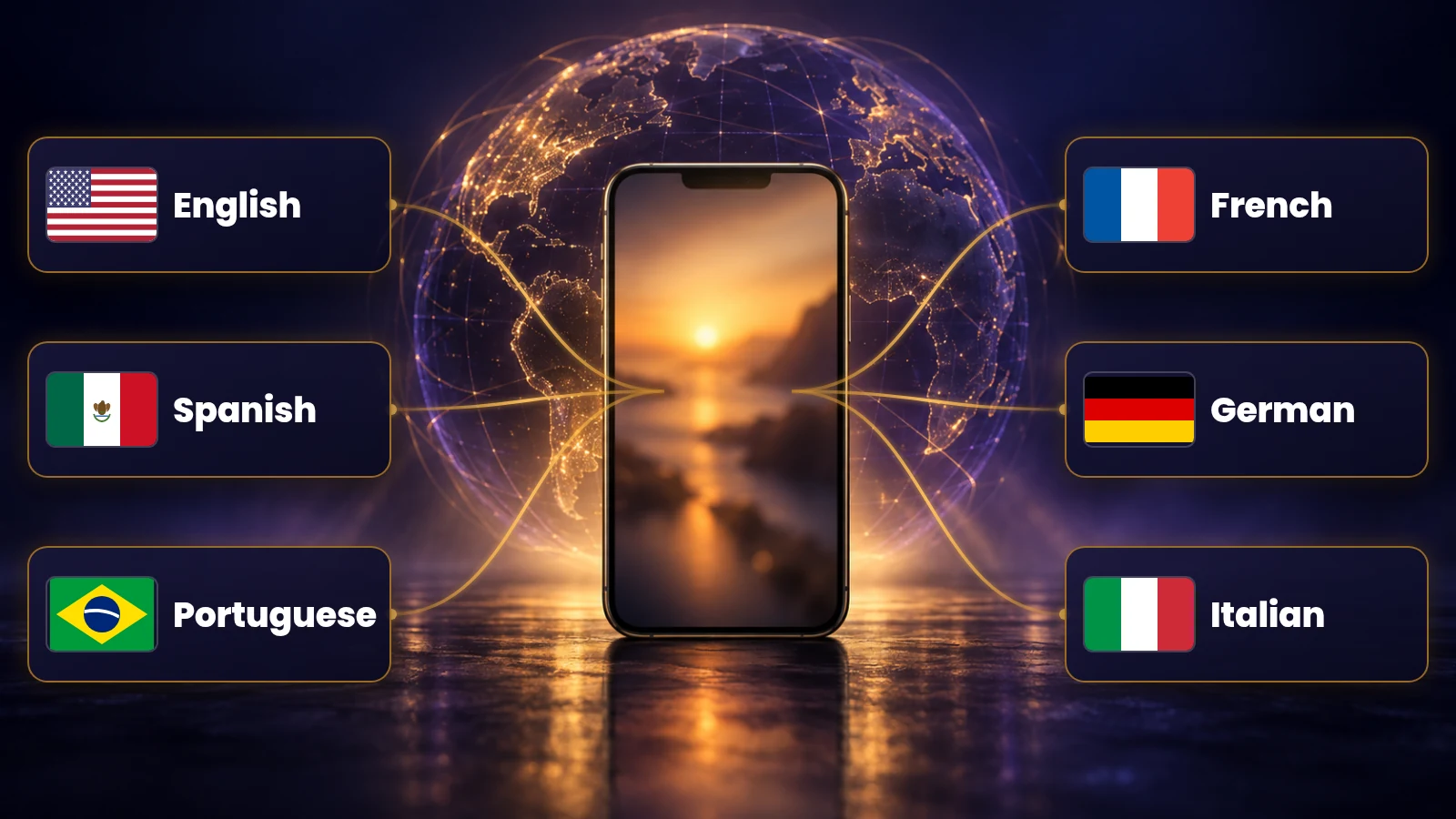
English, Spanish, Portuguese, French, German and Italian — the menus, the buttons, and the slideshows.
Pick the slideshow language per page.

Affiliates who send people to a link and never kept the page fed.
TikTok Shop and e-commerce sellers who need something pointing at their products every day.
Local businesses, coaches and course sellers who want a page that looks alive without a person visibly running it.
Creators who want the page without the camera.
Agencies who make posts for clients — a page per client, each on its own schedule.
Slideshows. One slideshow makes one post. This is the number that matters.
AI credits. For the AI extras: AI images, persona portraits and selfies, Hold it, and headline rewrites. A headline rewrite is one credit; a portrait or selfie is twenty.
Both refill on the 1st.
Run out of slideshows before the month ends, and a slideshow can use five AI credits instead.
Editing slides, picking a ready-made face, posting and downloading use nothing.
Start small. Move up when the page is working.
During launch, TokClaw AI is sold as a one-time purchase.
Get TokClaw AICancel any time. Your plan runs to the end of the month you paid for.
Creator is one page posting once a day, with room to spare, and AI credits for a persona and a few rewrites a month.
Pro is three pages posting daily — or one page posting more than once a day — with AI credits for selfies and Hold it every week.
Max is a client roster or a page network: nine pages posting every single day of the month.
Move up or down any month.


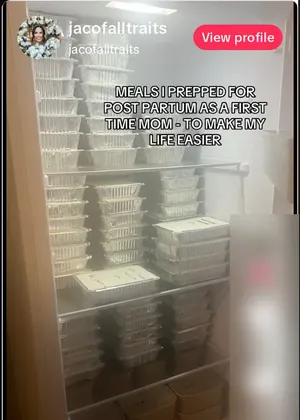
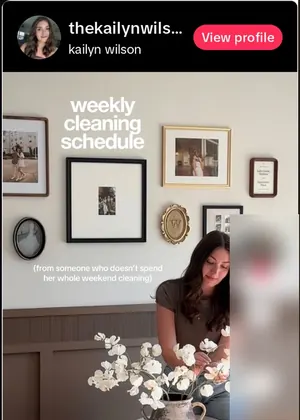
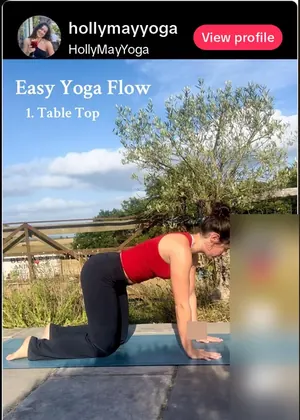
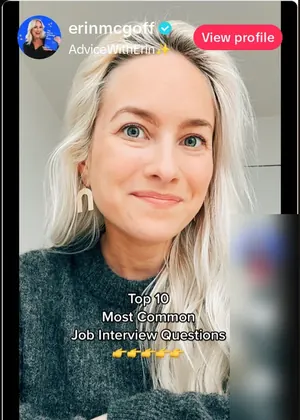
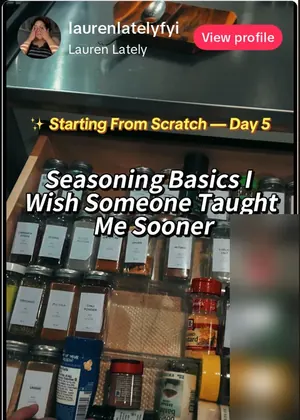
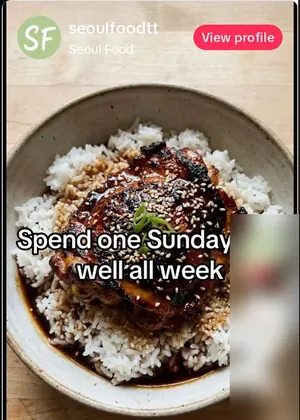
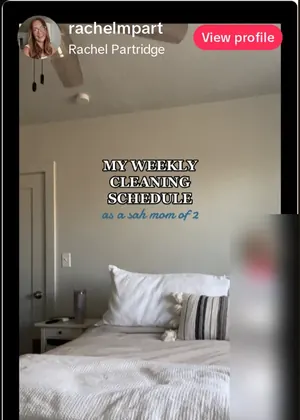
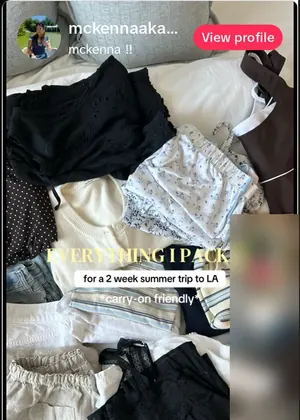
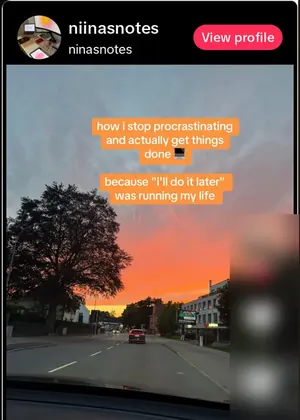
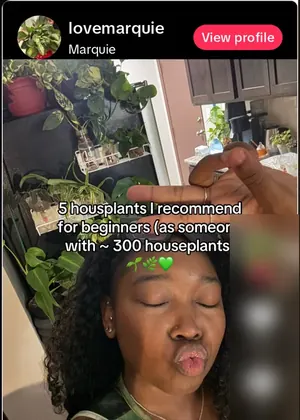
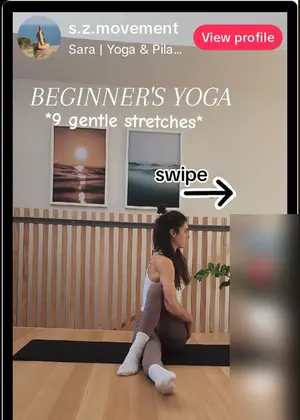
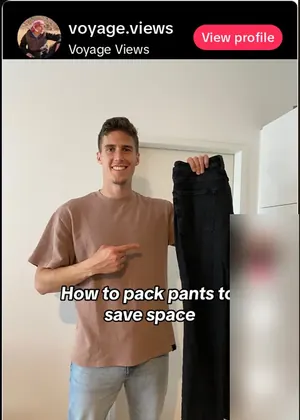
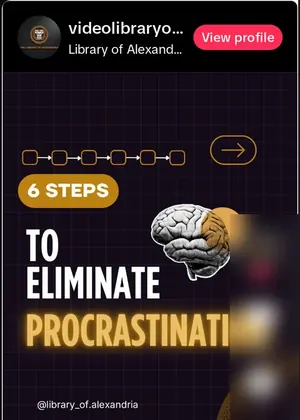
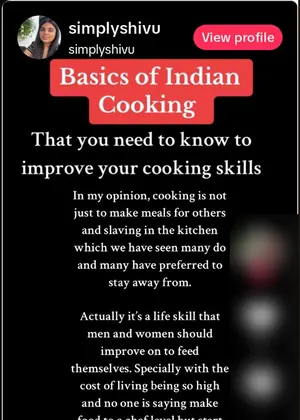
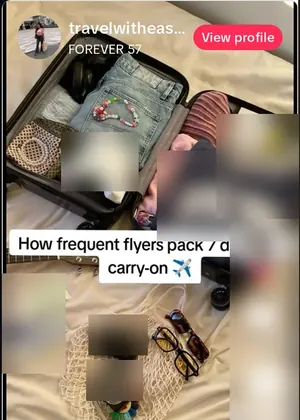
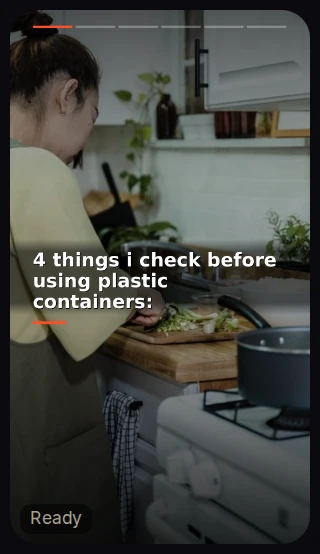
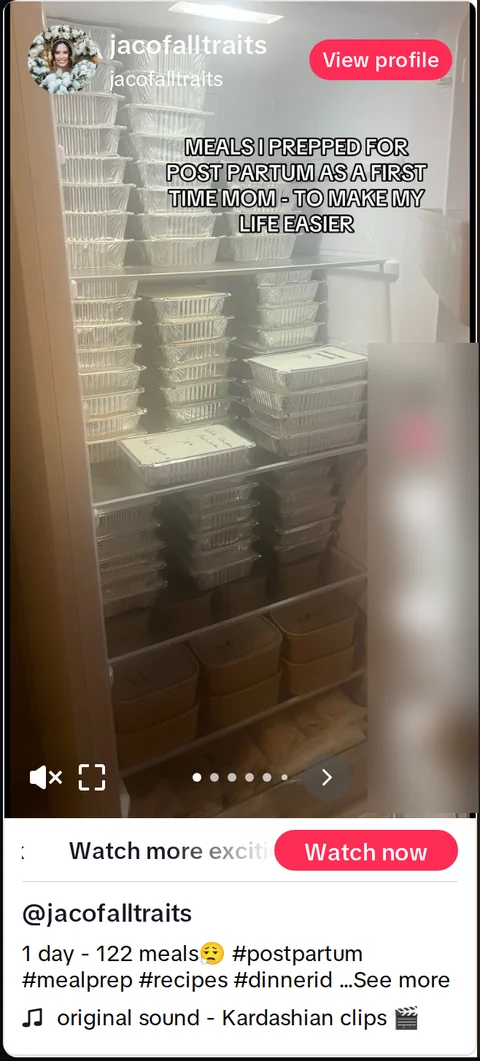
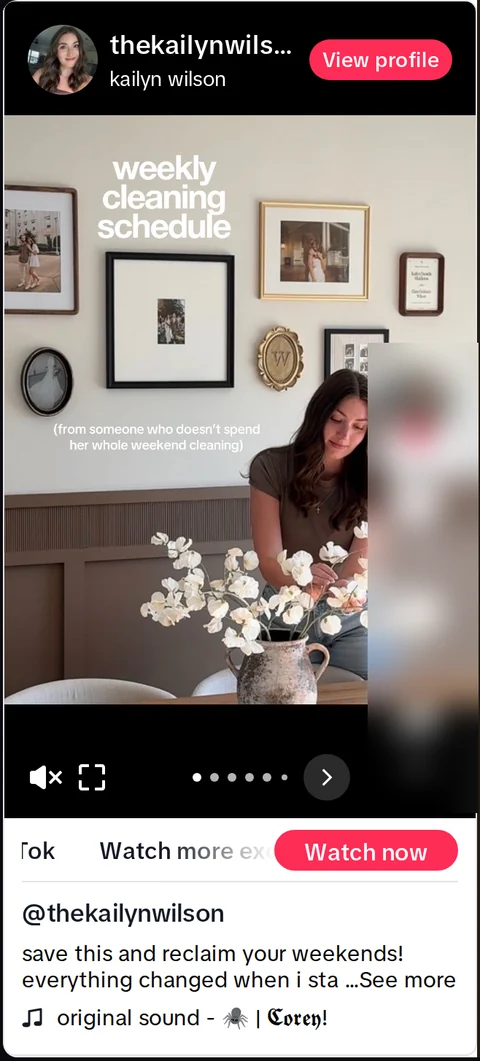
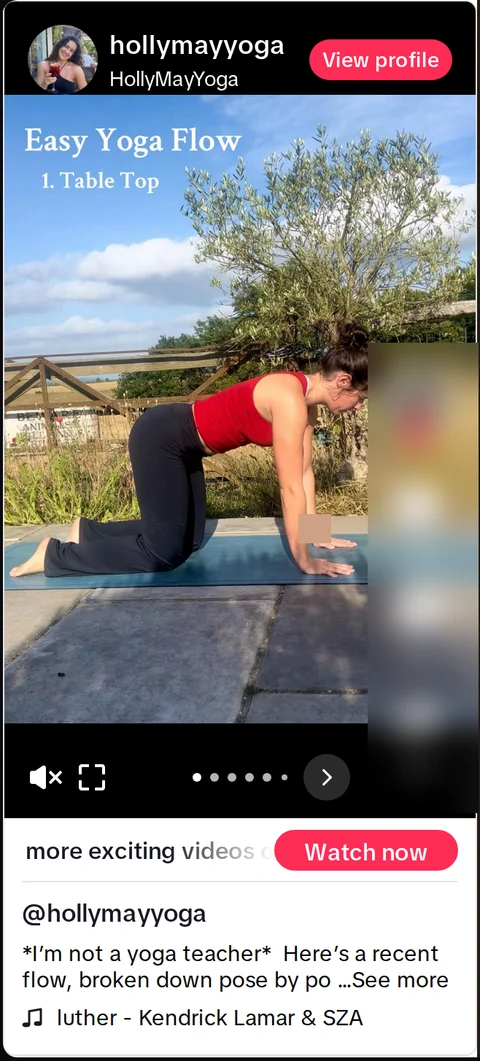
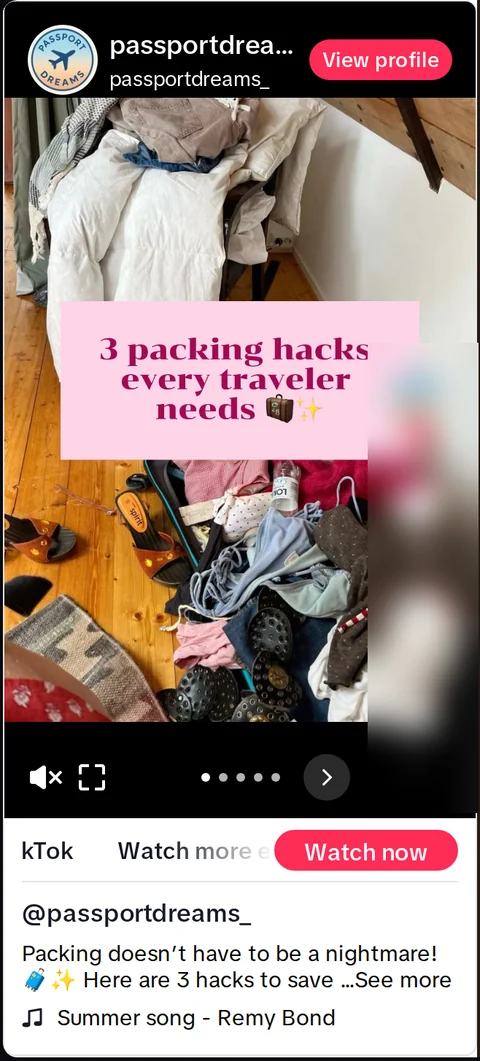
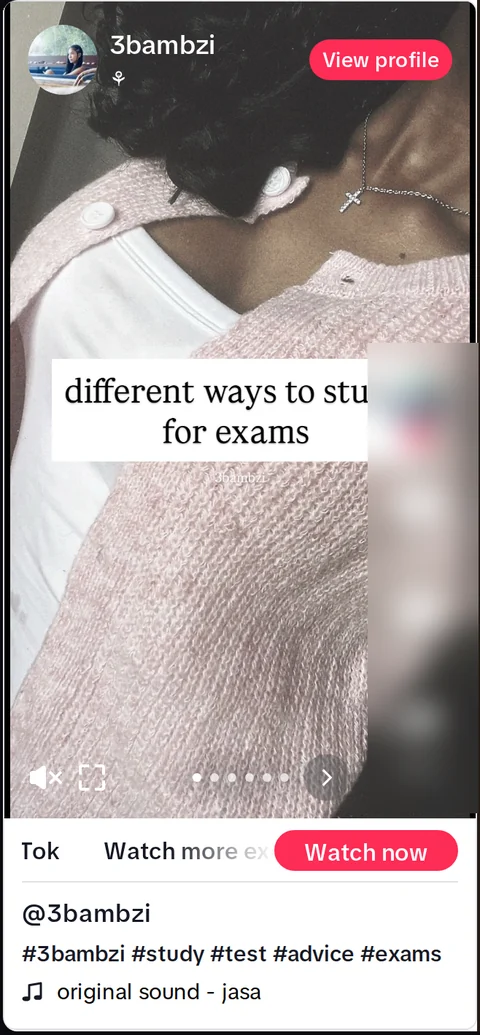
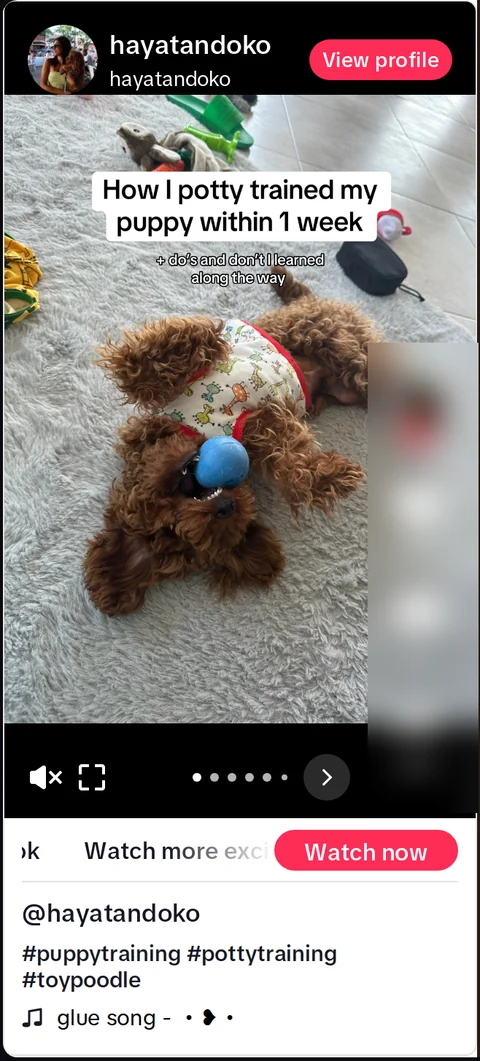
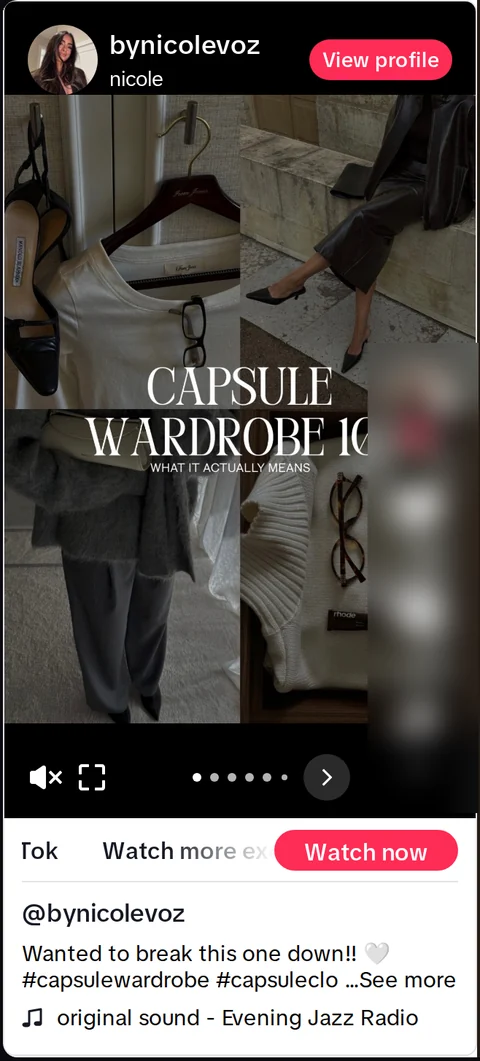
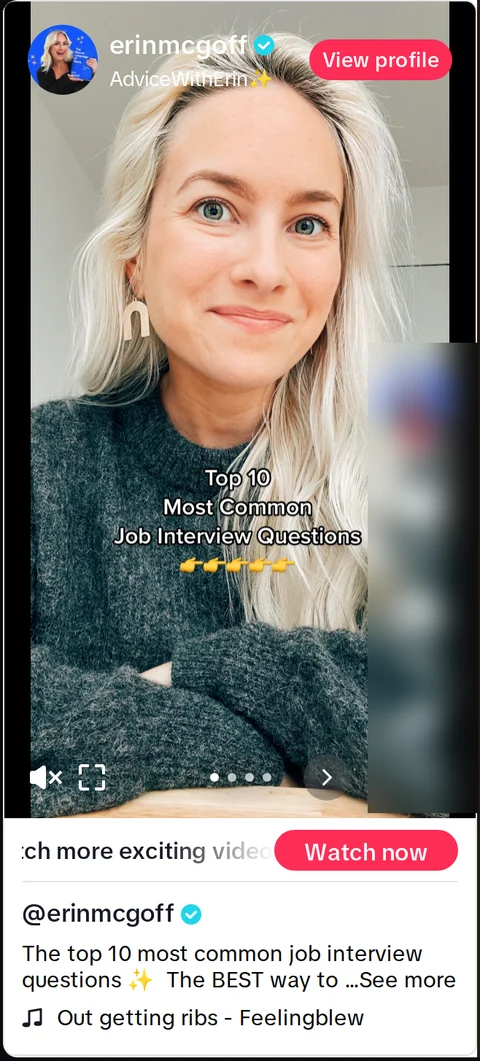
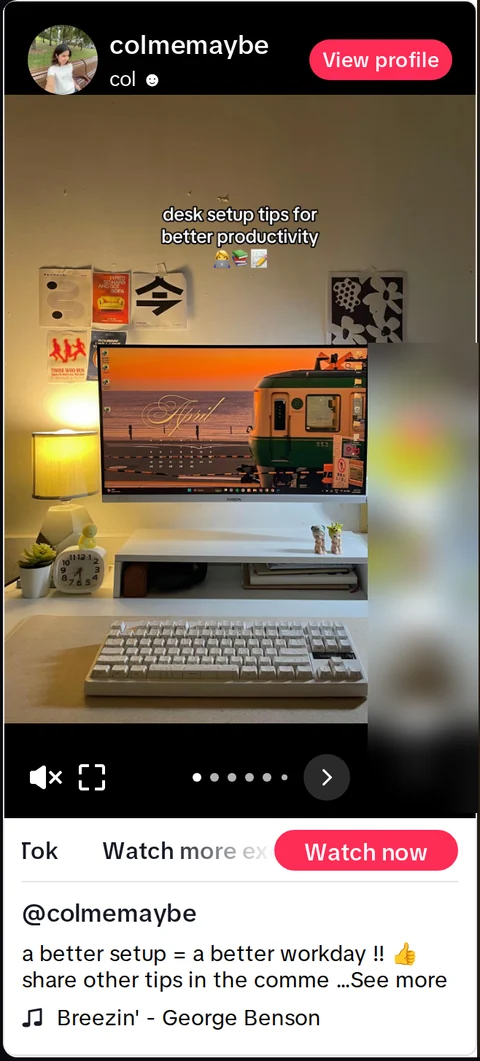
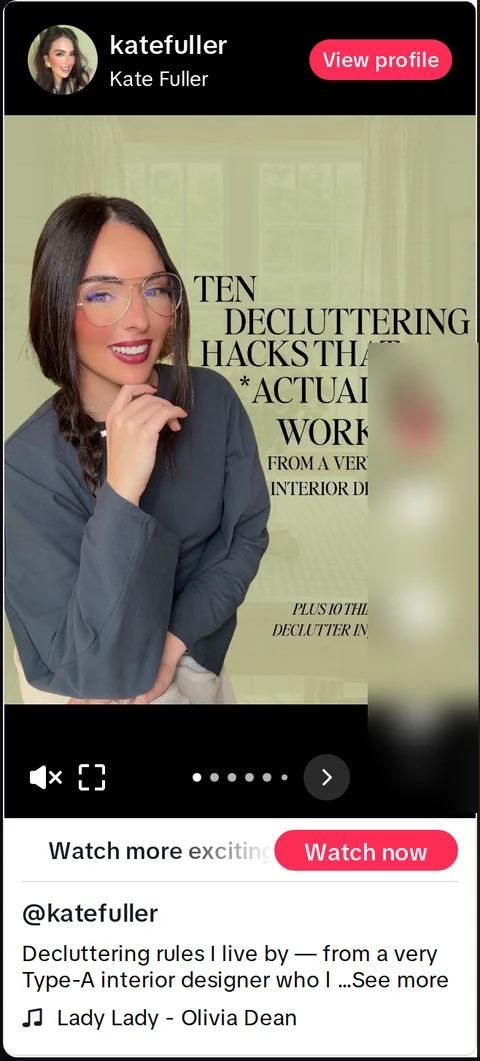
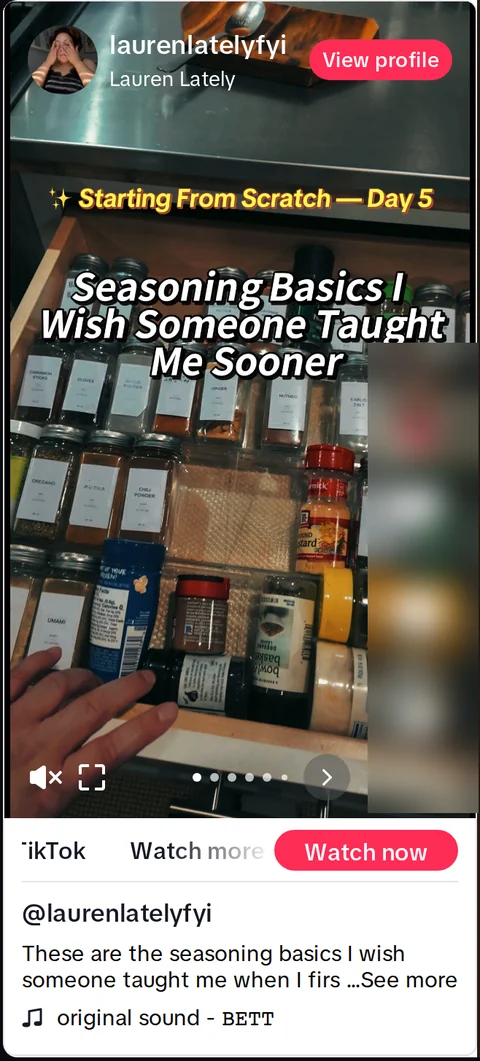
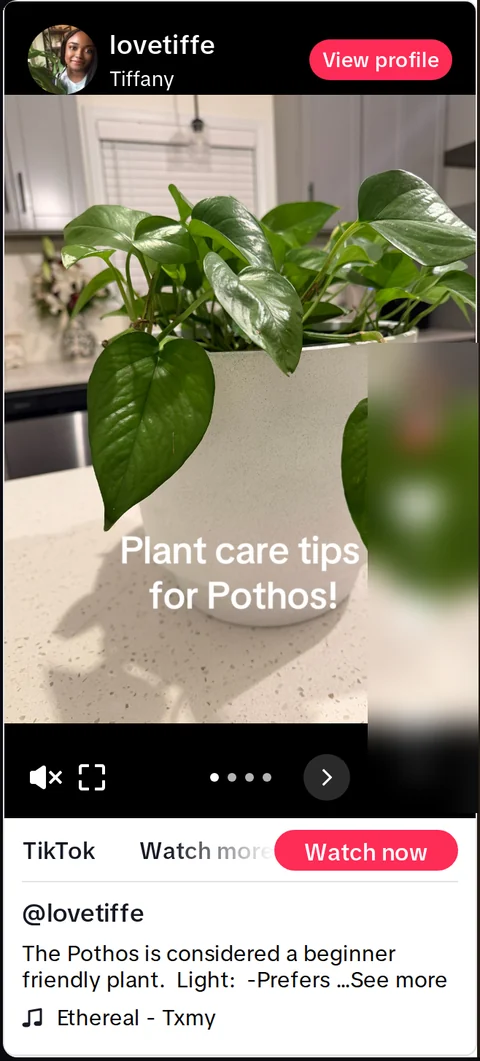
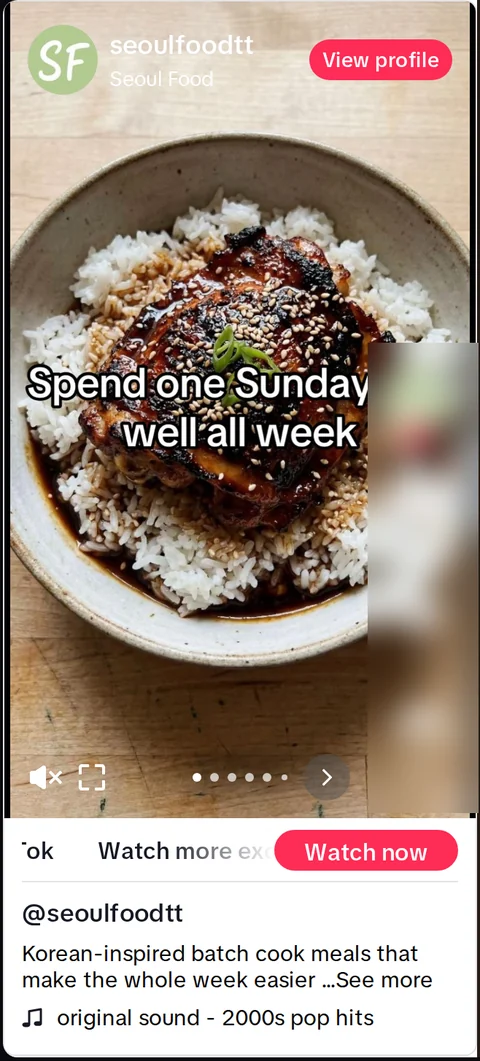
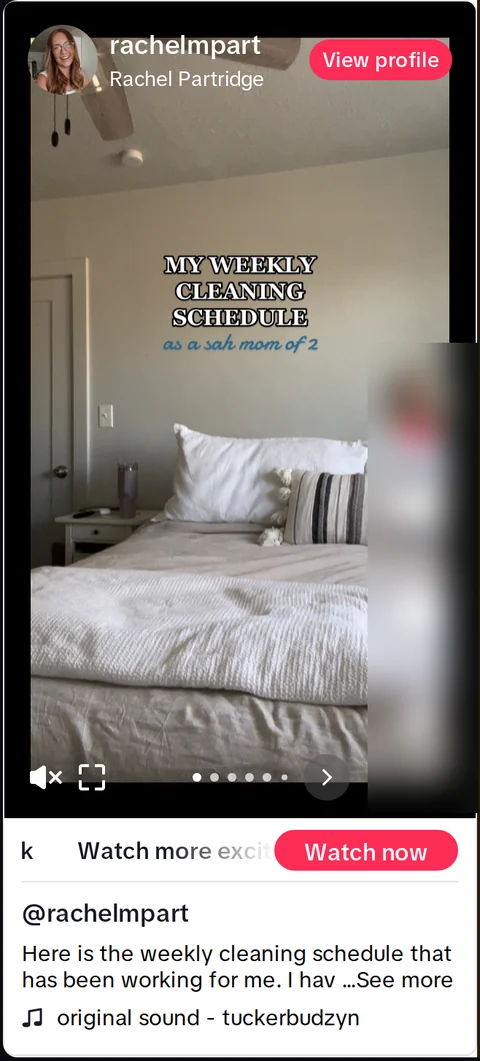
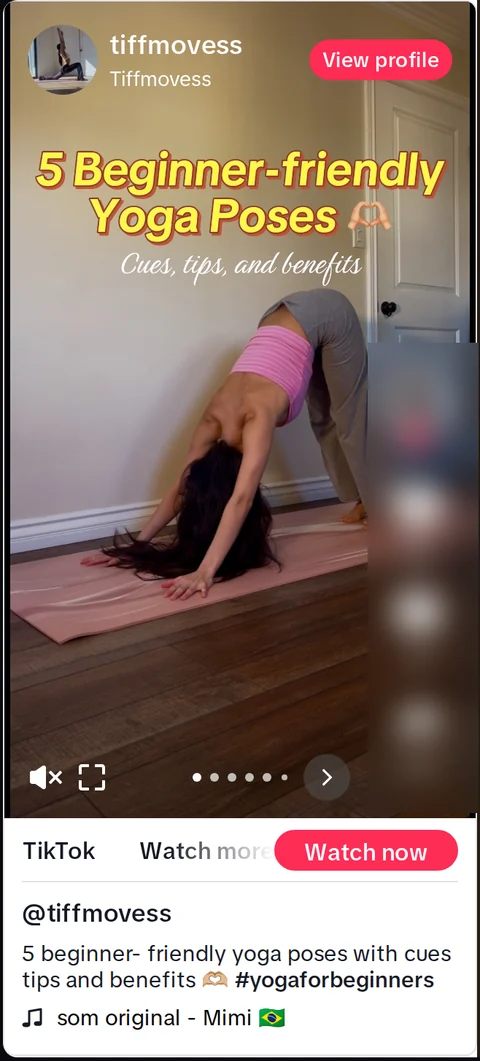
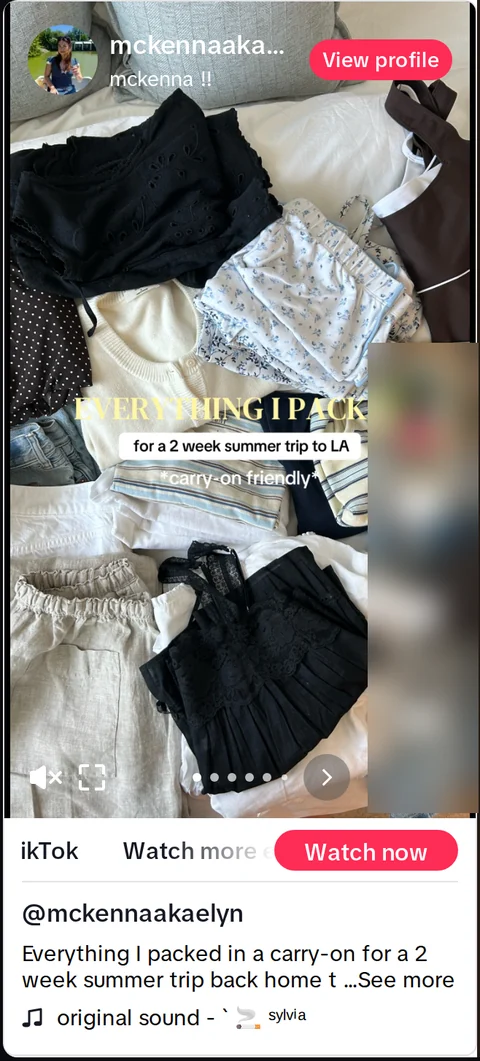
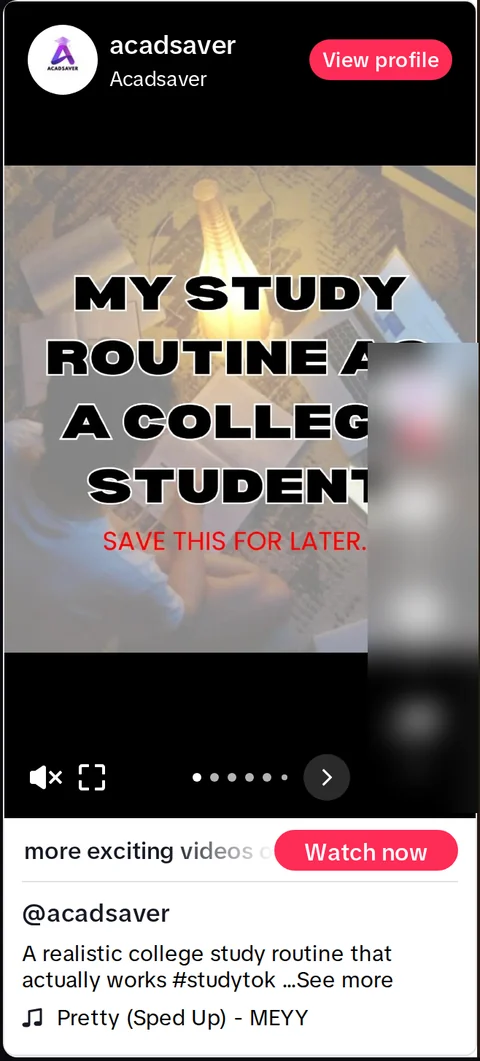
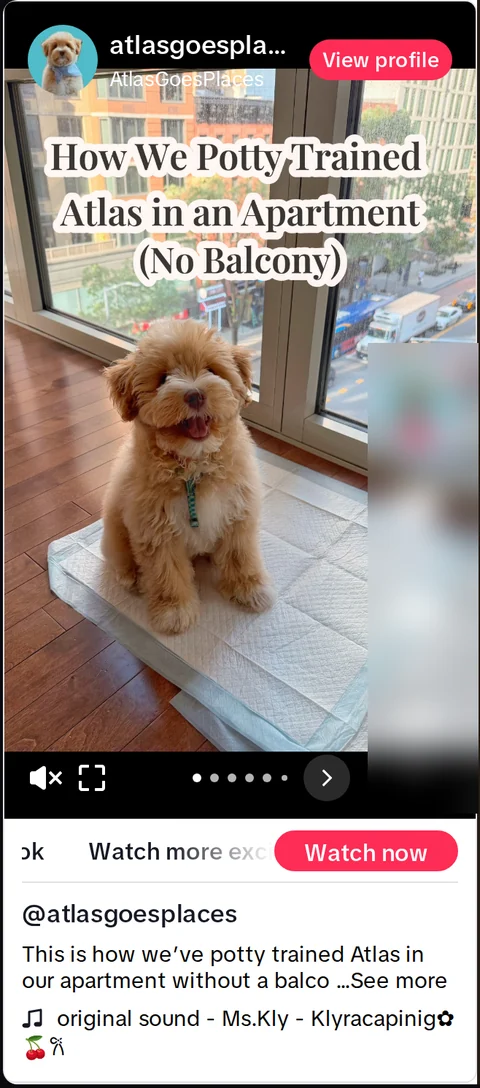
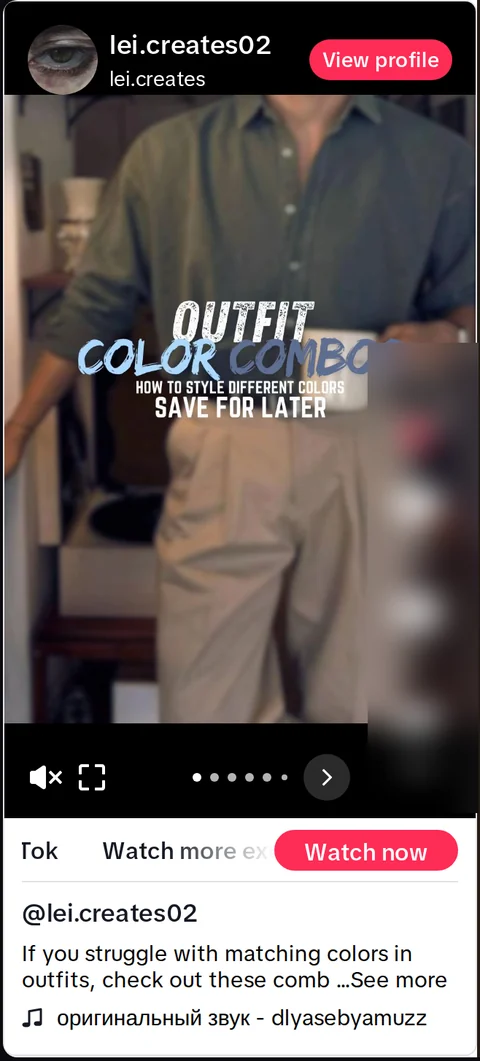
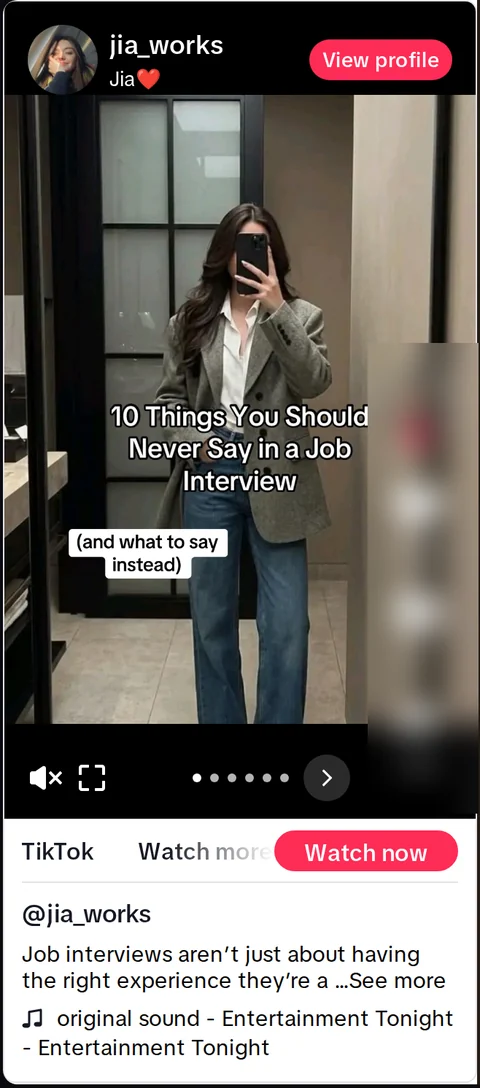
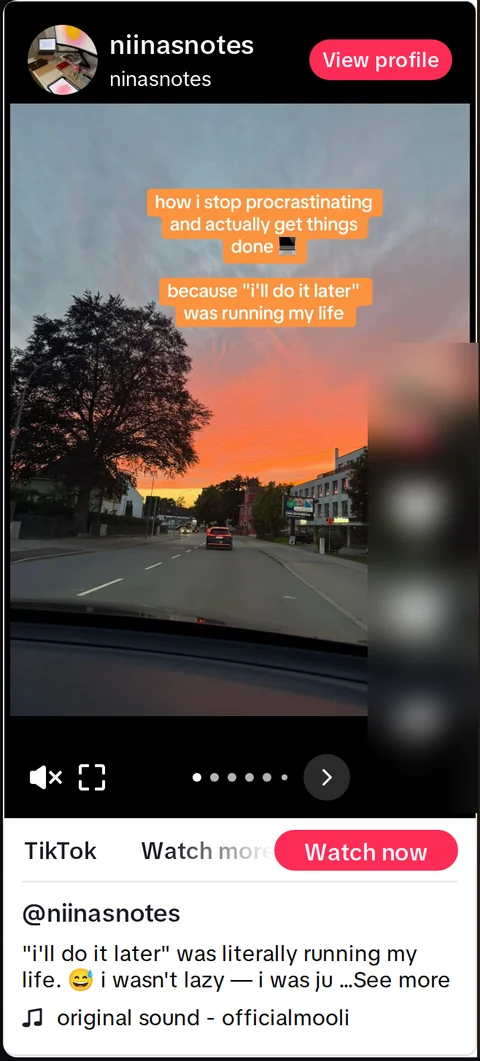
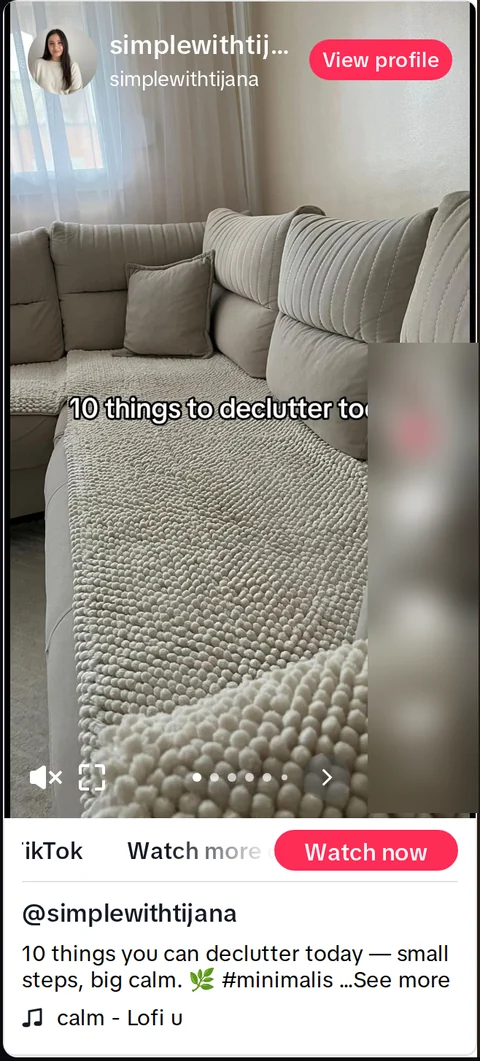
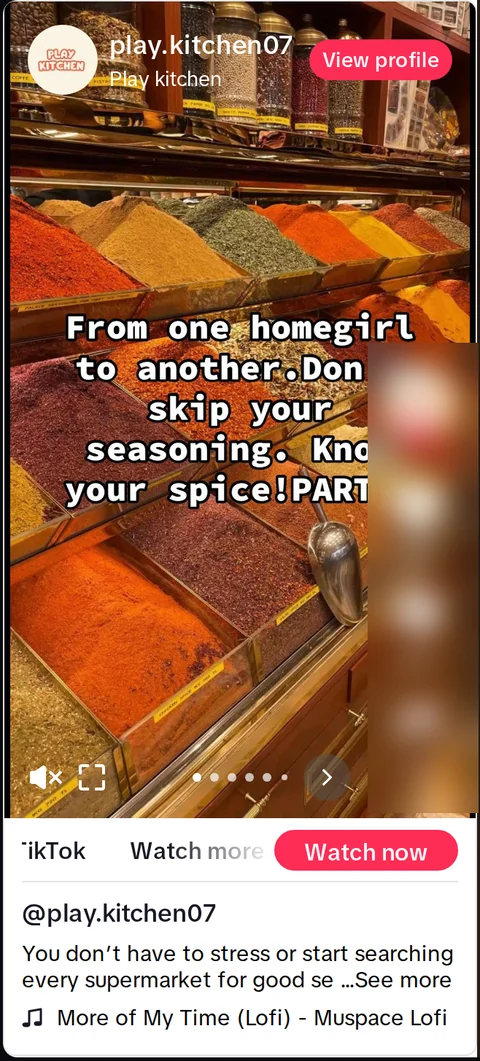
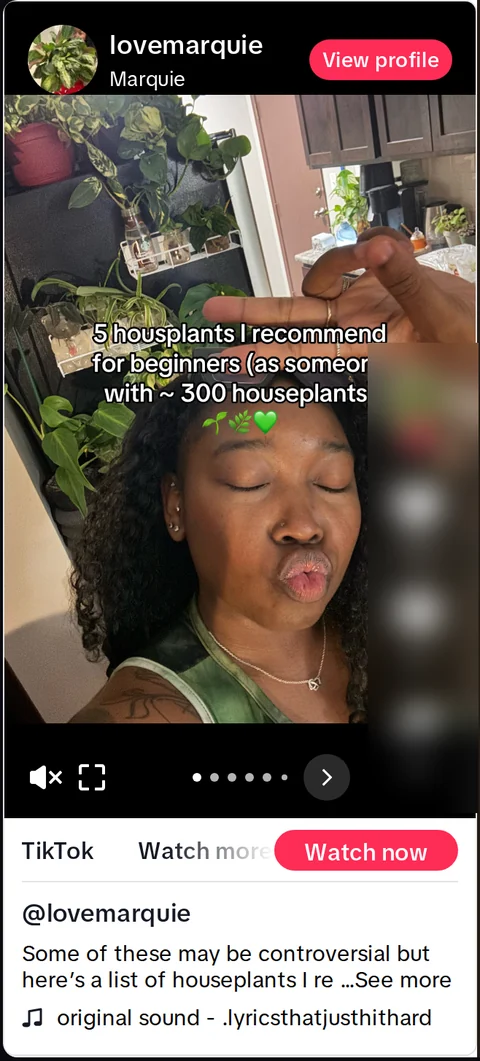
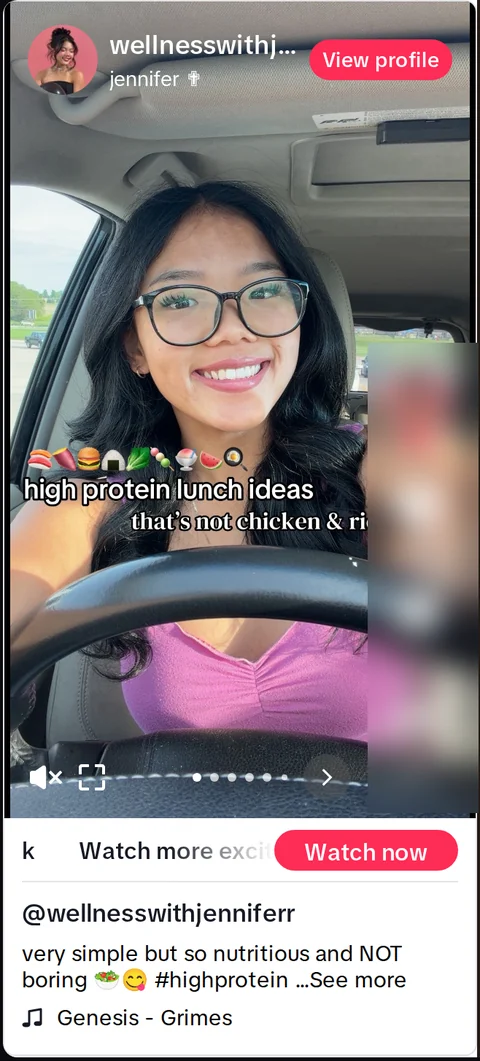
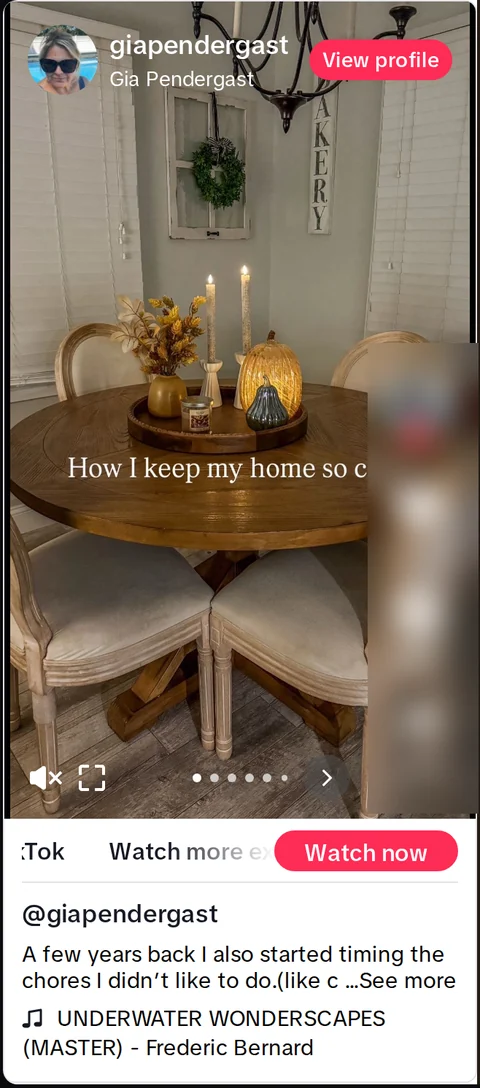
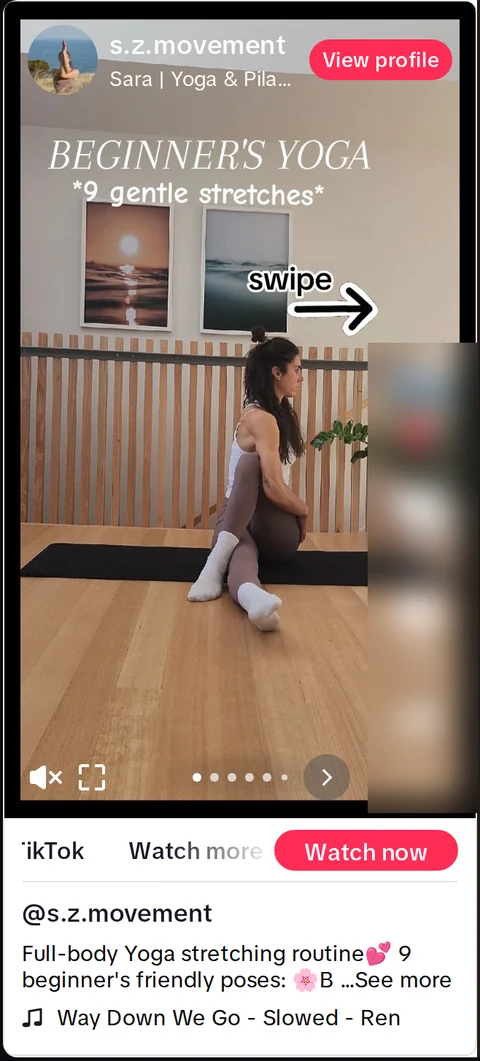
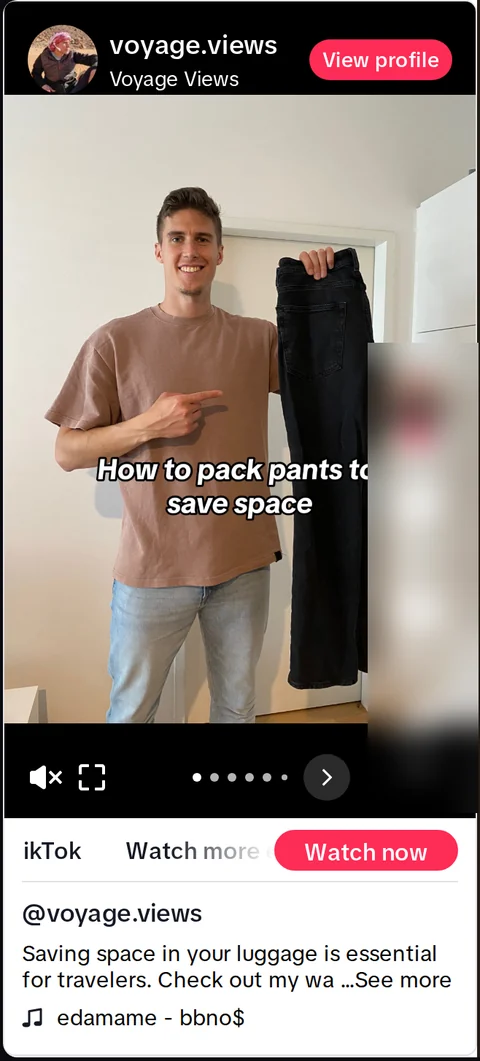
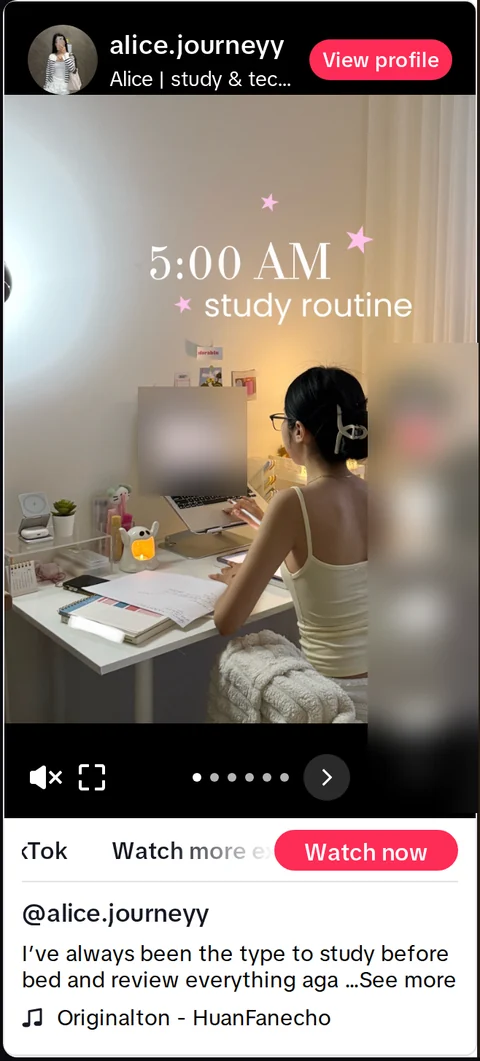
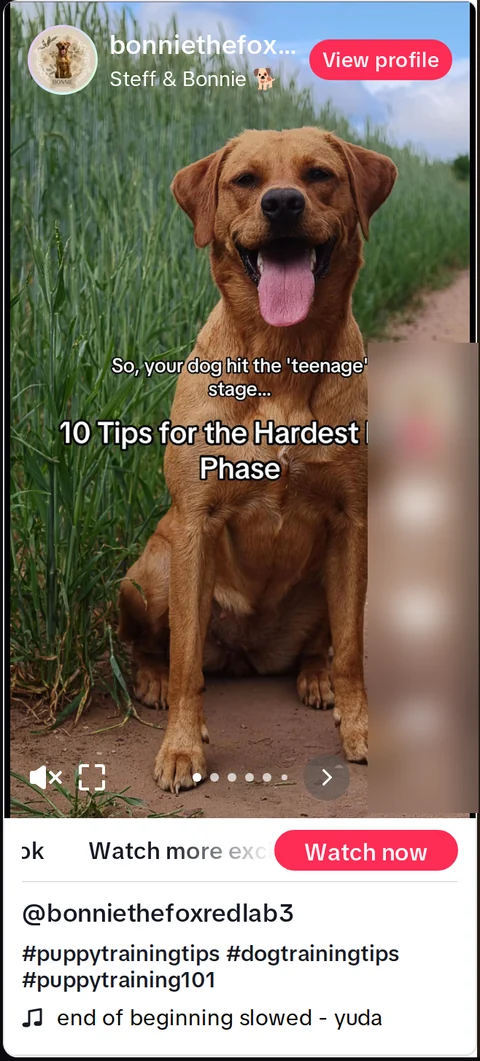
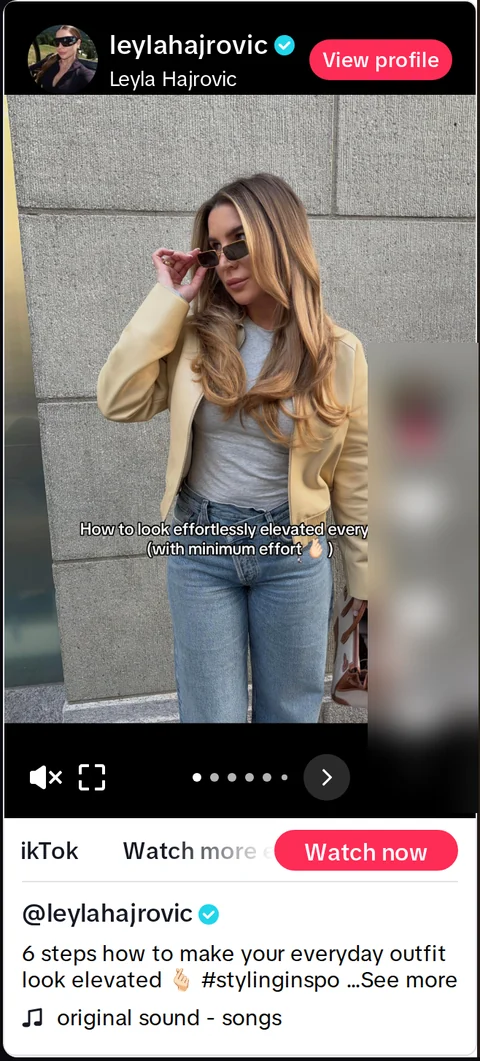
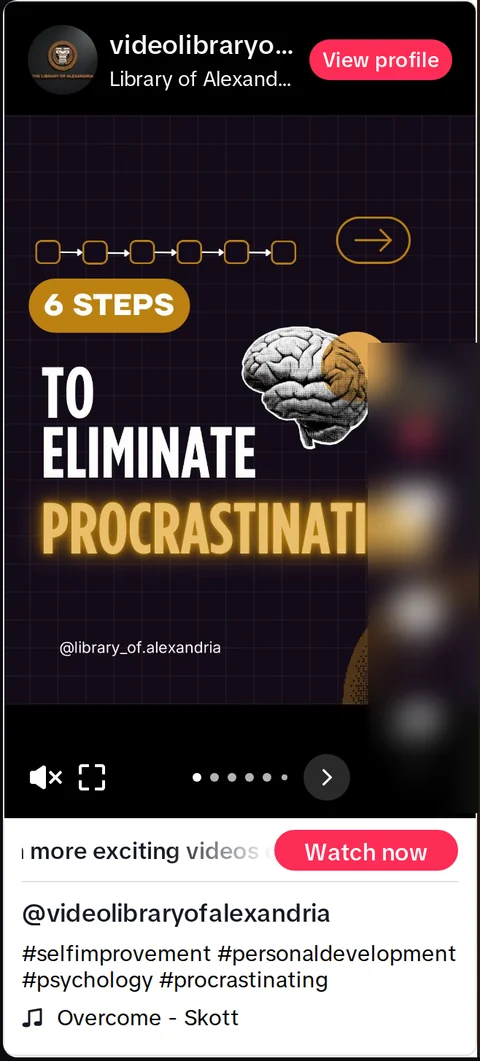
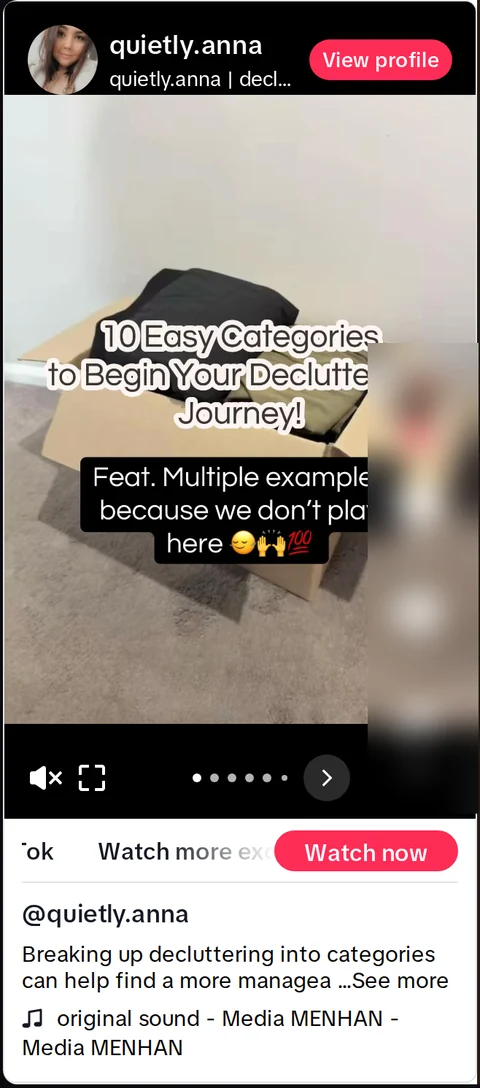
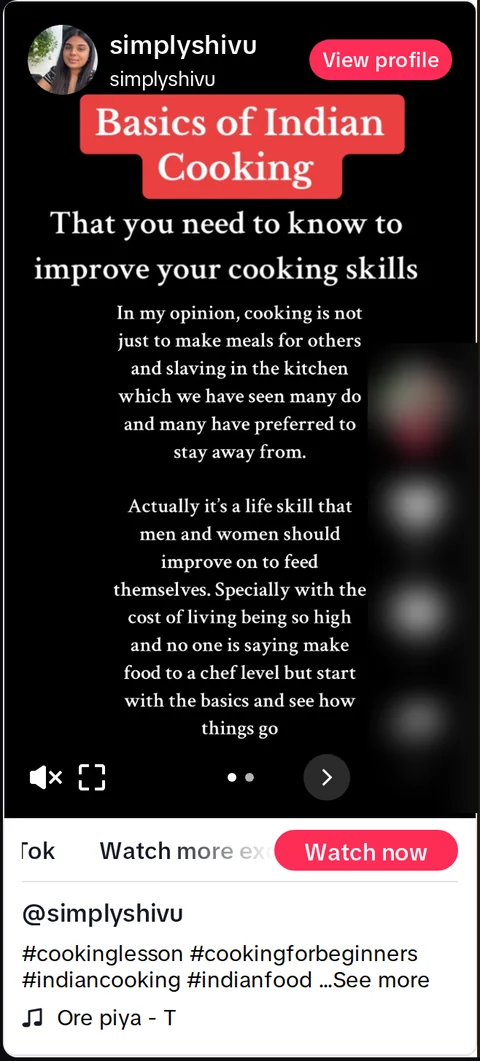
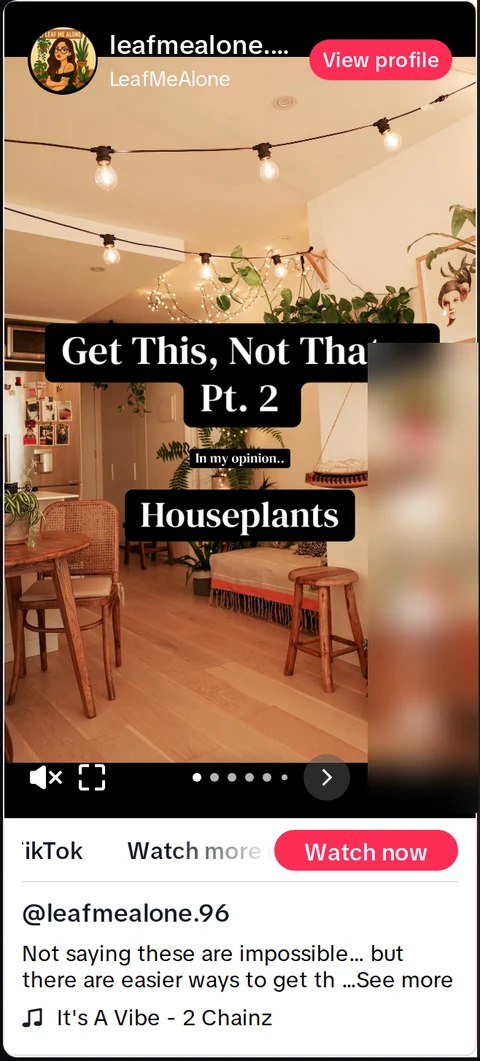
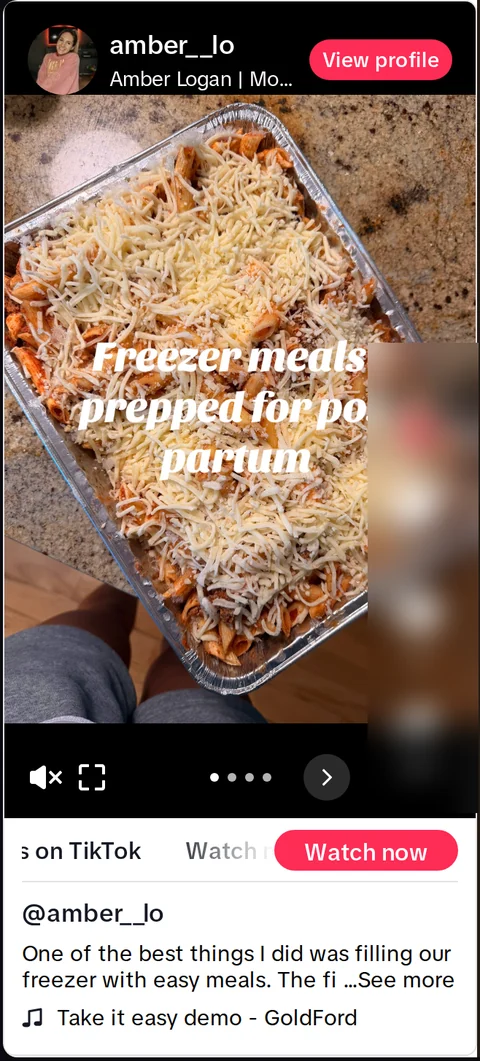
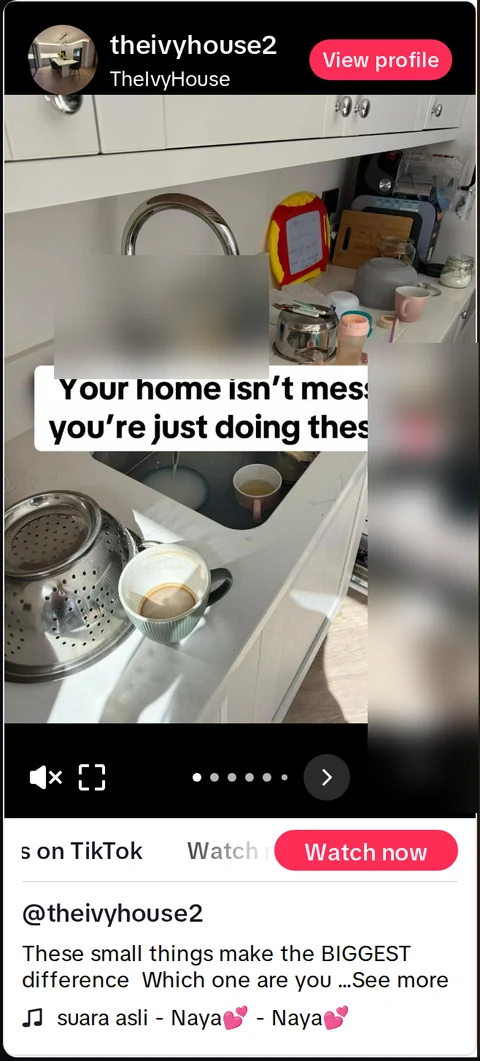
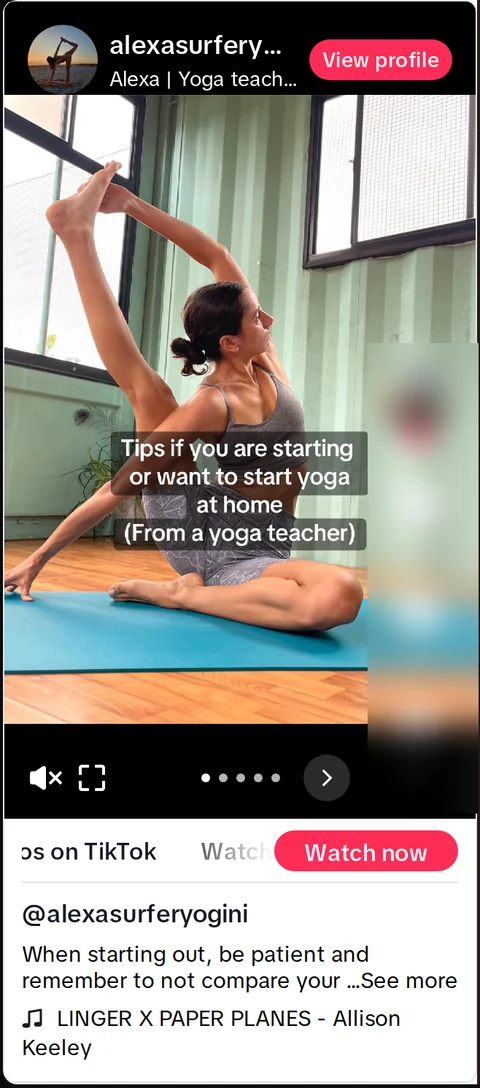
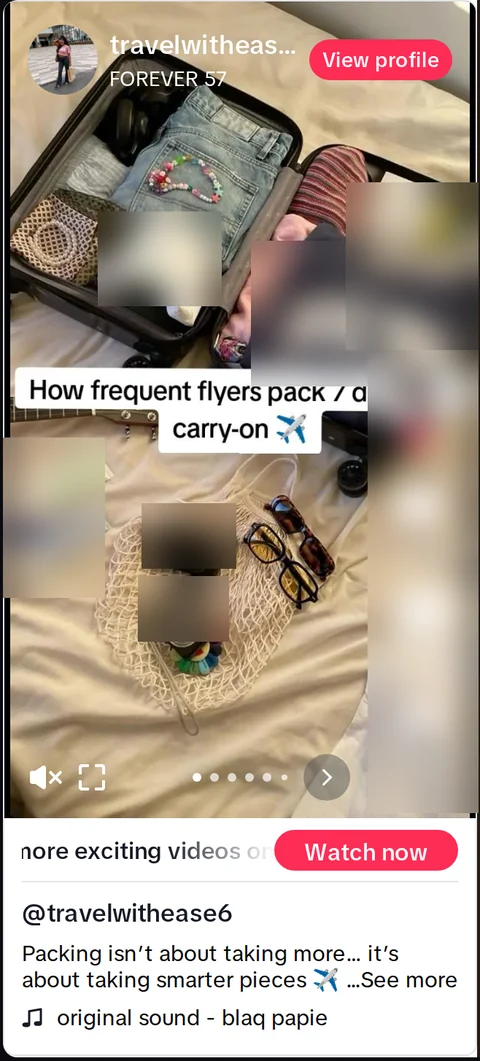
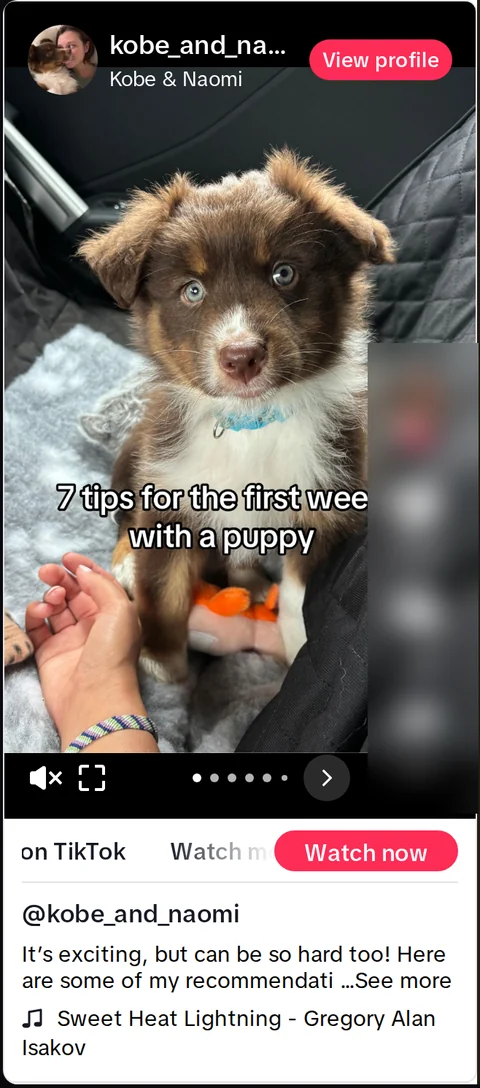
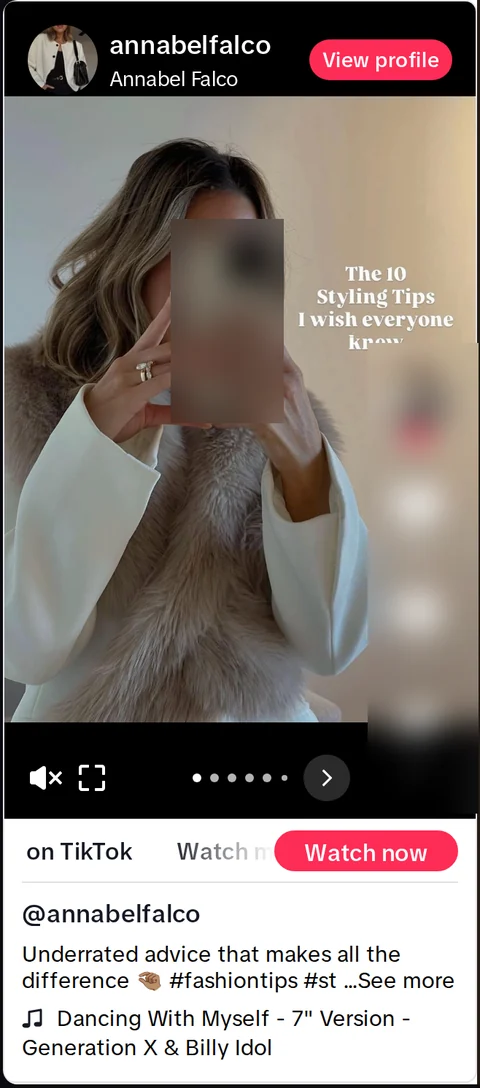
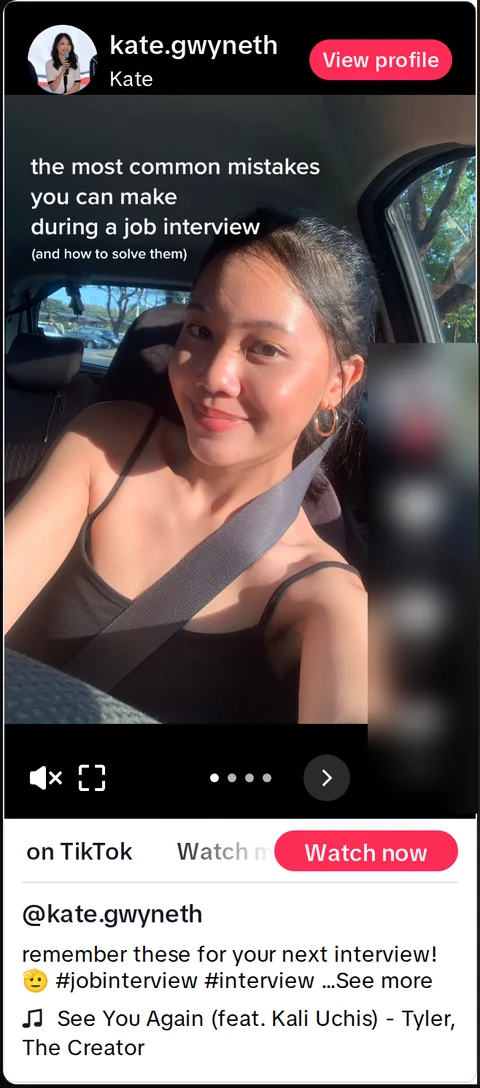
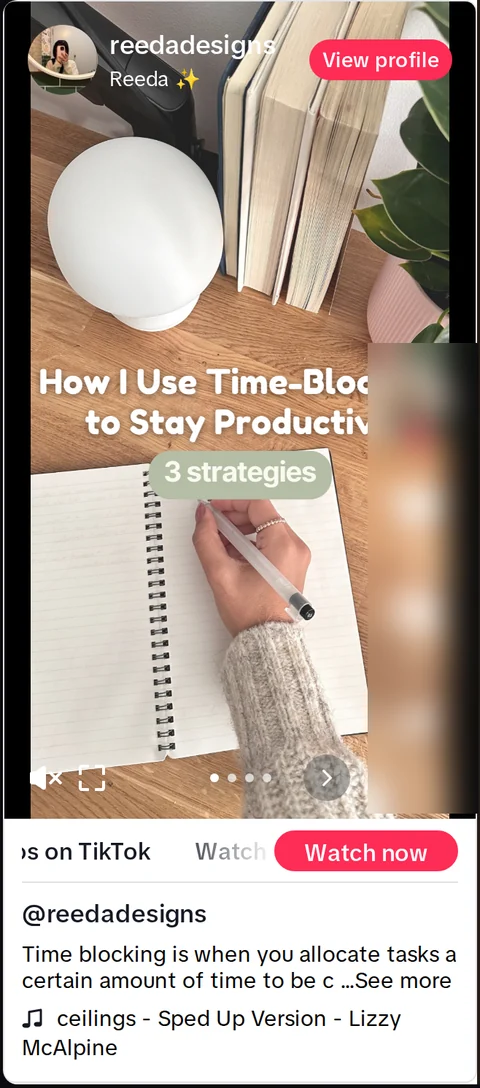
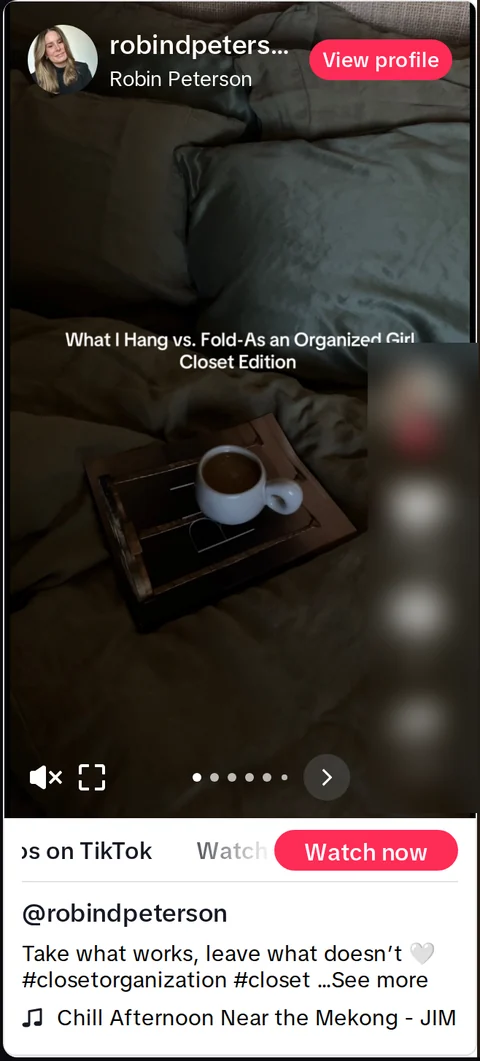
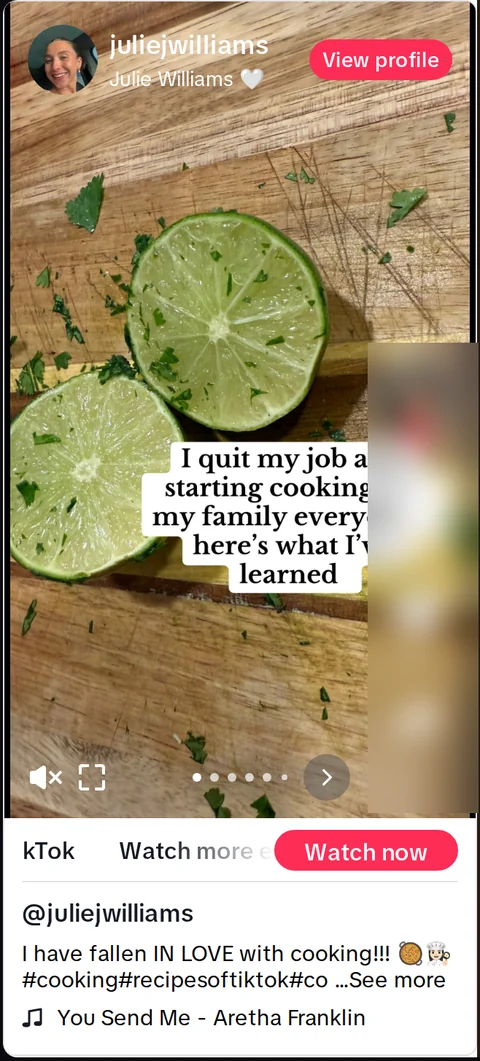
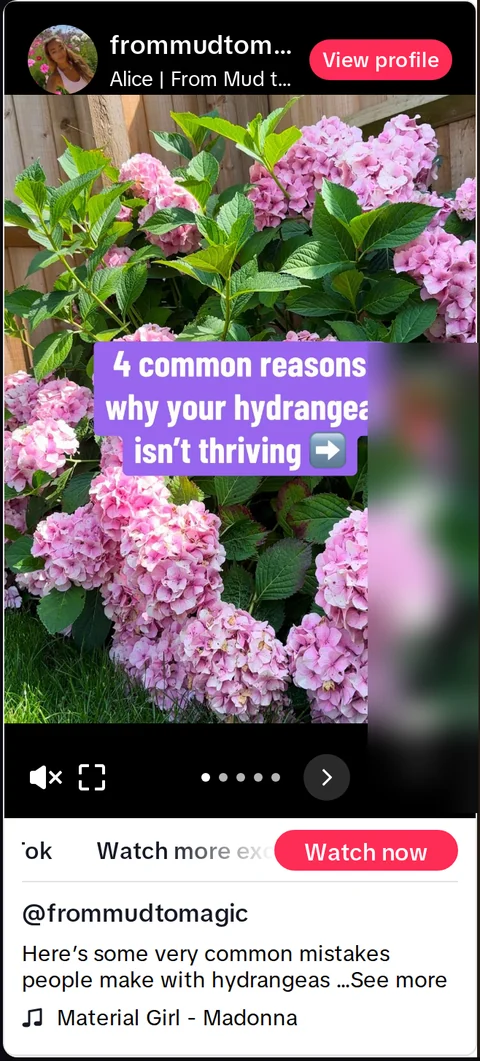
This is what the format looks like on the feed: a photo, a line, a swipe.
Yours will look like your niche.
Plans
Yes, any time, from Settings. Your plan runs to the end of the month you paid for, and nothing renews after that.
Yes. Move up or down any month; the new counts apply from the next refill.
They stay usable until the end of the following month, then expire.
A slideshow can use five AI credits instead. When both are gone, the page pauses until the 1st, or until you move up a plan.
Posting
Yes. Every plan lets you connect as many accounts as you like. The plans differ by how many slideshows and AI credits you get each month.
You connect a posting account in Settings, and TokClaw AI posts through it. Or download the slides and post them yourself.
Only on the schedule you set, to the account you connect, after you have turned the page on.
Slideshows
No. Slideshows are photos with text. If you want a face on them, use an AI persona.
From your own image sets, if you add them. Otherwise from licensed stock photo libraries, found by keyword. The app can’t see what’s in a stock photo, and a library’s label can be wrong — so look at each slideshow before it posts, and swap any image that’s wrong in the slide editor. What you publish is yours to check.
Yes. Every slide: text, size, position, image, order. Editing uses no AI credits.
English, Spanish, Portuguese, French, German and Italian, for the app and for the slideshows, chosen per page.
Some sites don’t share their text with automated readers — Amazon is one. TokClaw AI tells you on the spot, and you paste the product’s description instead.